

 Atosa
AtosaCTD-5
Atosa CTD-5 Countertop Refrigerator Merchandiser
Atosa no longer lists this model in its current Canadian catalogue. The current version is the Atosa CTD-5T. Manuals and replacement parts for this model are still available here.
The Atosa CTD-5 is a countertop glass-door merchandiser with a black exterior, white interior, and forced-air cooling. It uses R600a refrigerant and has an adjustable thermostat, interior LED lighting, and a lockable door.
- Voltage
- 115V
- Amps
- 1.7A
Atosa CTD-5
24 compatible parts available
Genuine OEM Parts
Sourced from the manufacturer
Canadian Owned
Based in British Columbia
Canada-Wide Shipping
Every province and territory
24hr Quote Response
Answered by a real technician
Manuals & Documents
Countertop Glass Door Merchandiser Cooler (5 cu ft) Installation & Operation Manual
user manual
Countertop Glass Door Merchandiser Cooler (5 cu ft) Parts Manual
parts list
Atosa CTD-5 document
document
Countertop Glass Door Merchandiser Cooler (5 cu ft) Service & Parts Manual
parts list
About the Atosa CTD-5
Overview
The Atosa CTD-5 is a countertop glass-door merchandiser for refrigerated display of packaged foods and bottled beverages. Its black exterior cabinet and matching black door frame contrast with a white interior, while interior LED lighting helps make displayed products visible. Atosa identifies the CTD-3 and CTD-5 as forced-air models. The CTD-5 parts list also identifies a fan, evaporator, condenser, compressor, thermostat, door seal, lock, a shelf bottom, and a shelf top.
This model uses a mechanical thermostat dial, rather than the electronic controller mentioned in some general product descriptions. The operating manual describes a dial numbered from 1 to 5, with a higher number representing a lower storage temperature. It gives a factory setting of 3 and identifies position 0 as off.
Key Features
- Countertop glass-door display: The single door has a lock, according to the CTD-5 parts list.
- Forced-air cooling: Atosa lists forced-air cooling for the CTD-5 series. The parts list includes a fan and fan cover as well as the evaporator and condenser.
- Temperature adjustment: A thermostat and dial provide manual adjustment. The operating instructions describe settings from 1 to 5.
- Interior LED lighting: The CTD-5 parts list identifies an LED lamp, and the supplied product specifications describe interior LED illumination.
- Insulated cabinet: The supplied product specifications describe foamed-in-place, high-density polyurethane insulation.
- Door seal: A door seal is identified in the CTD-5 parts list.
- Shelves: The parts list identifies a bottom shelf and three top shelves.
- Adjustable feet: The manual identifies four base feet and directs the operator to adjust them to steady the unit.
Specifications
- Model: CTD-5.
- Equipment type: Countertop merchandiser / countertop glass-door merchandiser cooler.
- Cabinet finish: Black exterior cabinet, black door frame, and white interior.
- Cooling method: Forced air.
- Rated electrical supply: 115V, 60Hz, 1.7A, as listed in the CTD-series manual.
- Electrical safety instruction: The manual also describes the unit as using AC110V/60Hz and specifies a separate socket with a reliable ground wire.
- Power cord and plug: The manual parts list identifies the power line.
- Refrigerant: R600a.
- Refrigerant charge: 1.58 oz.
- Design pressure: 280 psig high side / 90 psig low side.
- Net weight: 40 kg.
- Temperature control: Mechanical thermostat with a 1–5 dial; 0 is the off position. The manual states that the higher the number, the lower the storage temperature.
- Door: Glass door with lock; a door and lock are listed in the CTD-5 parts manual.
- Lighting: Interior LED lamp.
- Insulation: Foamed-in-place, high-density polyurethane, as listed in the supplied product specifications.
- Other identified components: Condenser, filter, water receiving plate, compressor (UKN60YA), evaporator, fan, fan cover, thermostat, door seal, upper and lower hinges, and four base feet.
Installation & Requirements
Placement and ventilation
Place the merchandiser on firm, solid ground and adjust its feet until it is steady. The manual requires at least 20 cm between the back of the unit and the wall for ventilation. Leave enough room for the door to open through an angle of 160°. Keep the unit away from heat sources and direct sunlight, and do not place it where water can reach it or in a high-moisture location. The manual also says not to put the unit in an environment cold enough for it to ice.
When transporting the cabinet, keep it upright and do not tilt it more than 50° from horizontal, since the manual warns that improper handling can damage the compressor and affect operation. After moving it, let it stand for 30 minutes before switching it on. Remove the carton and packing foam, including the bottom foam, and clean the unit before use.
Electrical connection
The manual lists a rated supply of 115V, 60Hz, 1.7A and separately states that the unit uses AC110V/60Hz. Connect it to a separate socket with a reliable ground wire. The manual cautions that the ground wire must not be connected to the gas pipe, warm gas pipe, water pipe, or null line. If voltage fluctuation exceeds AC99V–132V, it calls for a 500VA stabilizer. Do not remove the power cord or plug, and hold the plug when connecting or disconnecting power rather than pulling the cord. The manual provides no gas connection requirements.
Operation
After placement and cleaning, close the door and connect the power. Use the lamp switch on the control panel to turn on the light. The manual says the cabinet temperature should begin to fall noticeably after about half an hour, but directs operators to leave the unit empty for one hour after connecting power before loading it.
Set the storage temperature using the thermostat inside the cabinet. The dial range is 1 through 5: higher numbers mean a lower storage temperature, and 0 stops operation. The manual gives 3 as the factory setting. It suggests turning the dial counterclockwise to 2 in summer, when ambient temperature is high, and clockwise to 4 in winter, when ambient temperature is low. Adjust according to ambient conditions and the food being stored.
Cleaning & Maintenance
Wipe splashed water and dirt from the cabinet promptly with a soft cloth. The manual prohibits rinsing the cabinet with water and cautions against cleaning it with organic liquid, boiling water, washing powder, acidic substances, hard brushes, or steel brushes. Dry the unit after cleaning to avoid rust.
If the merchandiser will be out of use for a long time, disconnect the power, clean it using the manual’s instructions, and wipe water from inside the cabinet with a soft cloth. Do not dismantle the unit without prior authority; the manual directs operators to ask a professional for service if a problem occurs. It also says not to drill holes in the casing or install other objects on it, and not to place heavy articles on top.
Troubleshooting
- The unit does not work: The manual lists a poor plug connection as a possible cause. Reconnect the plug to the power supply.
- The compressor operates abnormally or makes a buzzing sound: The manual identifies voltage outside the rated range as a possible cause. Disconnect the power immediately and reconnect only after the voltage is normal; it recommends a voltage stabilizer where the power supply is poor.
- The compressor runs for a long time and there is no frost on the inside cabinet surface: The refrigeration system may have a leak or blockage. Send the unit to a service department for repair.
- Frost or ice forms on the evaporator, the internal temperature is too low, and the compressor does not stop: The manual identifies a thermostat fault and directs the operator to ask a service department for repair.
- The internal temperature is too high and the compressor does not stop: The manual lists poor heat dissipation or ventilation and excessively high ambient temperature as possible causes. Improve ventilation and the ambient conditions.
- The cabinet is too warm after loading: Loading too much warm food at once can contribute to high temperature. Remove some food.
- The cabinet is too warm after frequent or lengthy door openings: Reduce how often and how long the door is opened.
- Excessive noise: Check whether the unit is level and adjust the feet. The manual also lists loose fasteners and pipes touching the compressor as possible causes; tighten loose fasteners or carefully separate touching pipes.
- The lamp is not on: The manual lists a burned-out lamp as a possible cause and says to replace the lamp.
The manual notes that a light sound of water flowing can be the sound of refrigerant moving through the pipes. It also states that the top and sides of the cabinet may feel warm or hot, and that dew may form on the cabinet or door in a humid location; wipe dew away with a dry cloth.
Applications
The CTD-5 is suited to countertop display and refrigeration of packaged foods and bottled beverages in settings such as cafés, convenience stores, delis, and other commercial food-service or retail spaces. Its glass door and interior light make stored items visible while keeping them inside a refrigerated cabinet. The manual states that this cooler is not suitable for pharmaceutical products, blood, or biological products.
Atosa CTD-5 Specifications
- Weight
- 88.18 lbs
- Voltage
- 115V
- Amps
- 1.7A
- Fan
- Yes
- Door
- Glass
- Model
- CTD-5
- Amperage
- 1.7A
- Door lock
- Yes
- Door seal
- Magnetic
- Frequency
- 60Hz
- Net weight
- 40 kg
- Refrigerant
- R600a
- Rated voltage
- 115V
- Equipment type
- Countertop merchandiser
- Interior light
- LED
- Adjustable feet
- Yes
- Refrigerant charge
- 1.58 oz
- Temperature control
- Thermostat; adjustable scale 1–5, with 0 representing stop; factory setting 3
- Design pressure (low)
- 90 psig
- Ventilation clearance
- At least 20 cm behind unit
- Design pressure (high)
- 280 psig
- Door opening clearance
- 160°
Frequently Asked Questions
What is the Atosa CTD-5 used for?+
What are the CTD-5's electrical requirements?+
What refrigerant does the Atosa CTD-5 use?+
How do I set the CTD-5 thermostat?+
How long should the CTD-5 stand after it is moved?+
How much space does the CTD-5 need behind it?+
How should I clean the CTD-5?+
What should I check if the CTD-5 is too warm?+
Why might the CTD-5 make noise or feel warm on the outside?+
What should I do if the lamp does not turn on?+
Need Parts for This Model?
Get a free quote for parts, service, or maintenance for the Atosa CTD-5. We respond within 24 hours.
 Atosa
AtosaView all Atosa equipment →
Parts for the Atosa CTD-5
Browse genuine OEM components, gaskets, heating elements, thermostats, and replacement hardware guaranteed to fit this equipment.
 Available to Order
Atosa CTD036 LED LIGHT
 In Stock 360°
Atosa CTD002 Thermostat, CTD-3/3S/5
 In Stock 360°
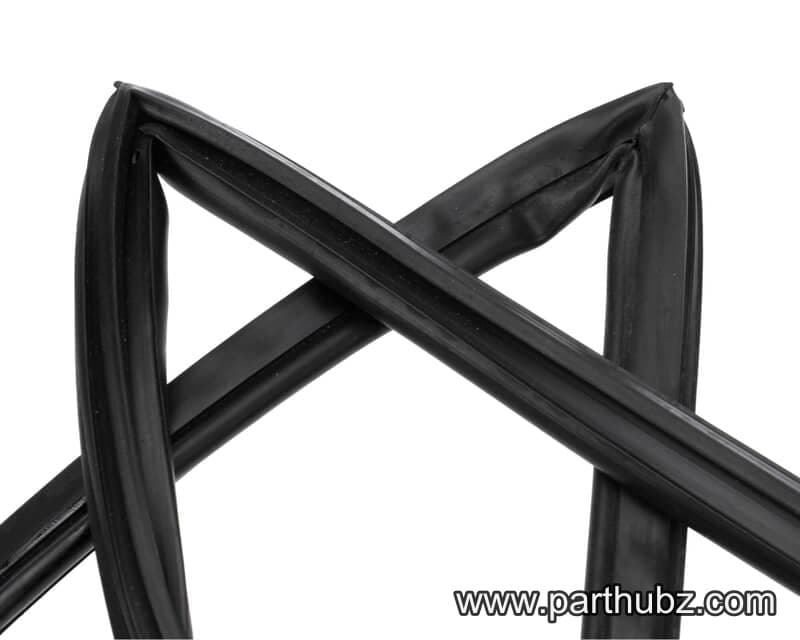
Atosa CTD015 Door Gasket
 Available to Order
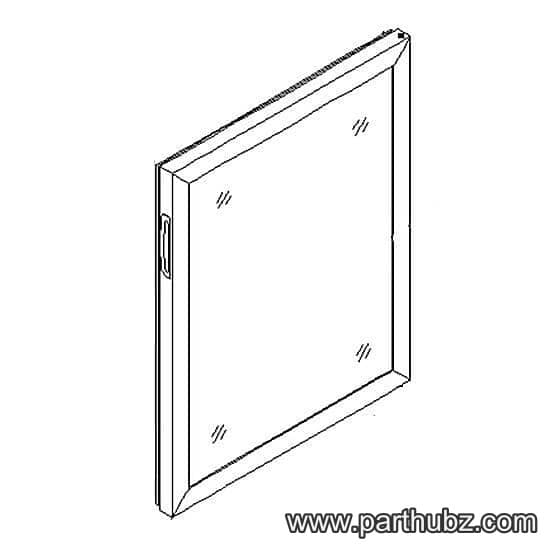
Atosa CTD042 DOOR
 In Stock 360°
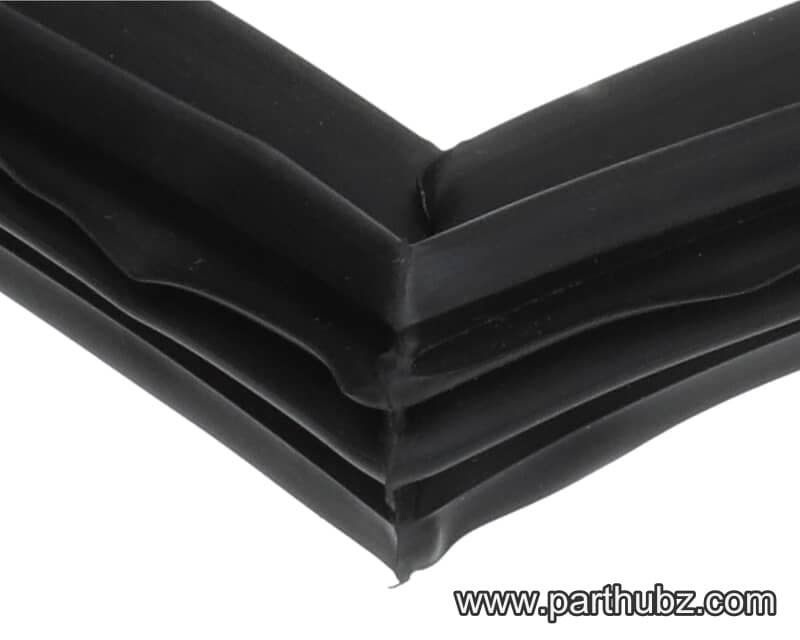
Atosa CTD044 Door Gasket
 Available to Order 360°
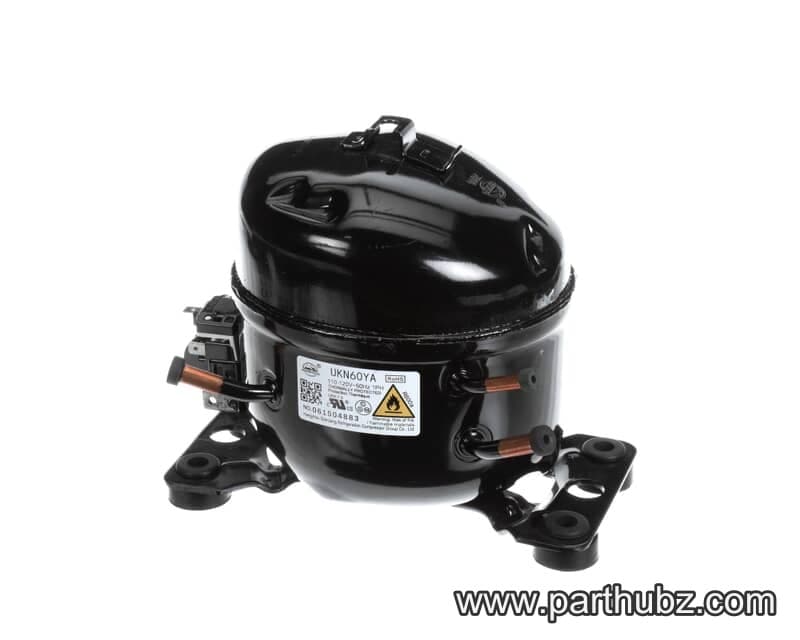
Atosa CTD022 Compressor, UKN60YA
 In Stock 360°
Atosa CTD001 Knob, 0 to 5
 Available to Order
Atosa CTD020 TOP SHELF
Available to OrderAtosa CTD010 FOOT
Available to OrderAtosa CTD026 LAMP
Available to OrderAtosa CTD043 BOTTOM HINGE
 Available to Order
Atosa CTD046 TOP SHELF
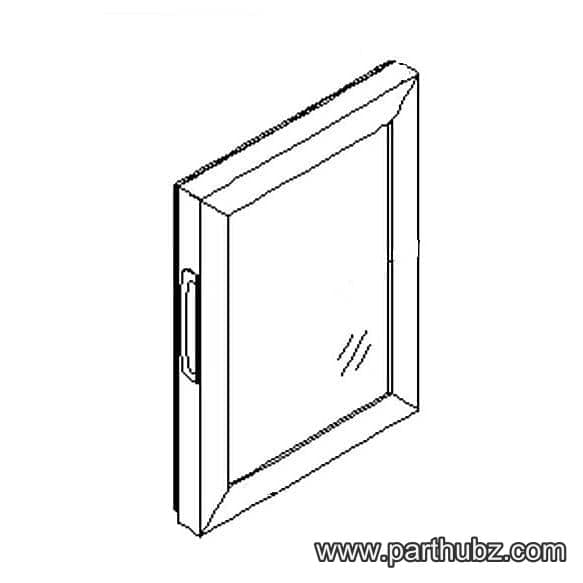 Available to Order
Atosa CTD029 DOOR
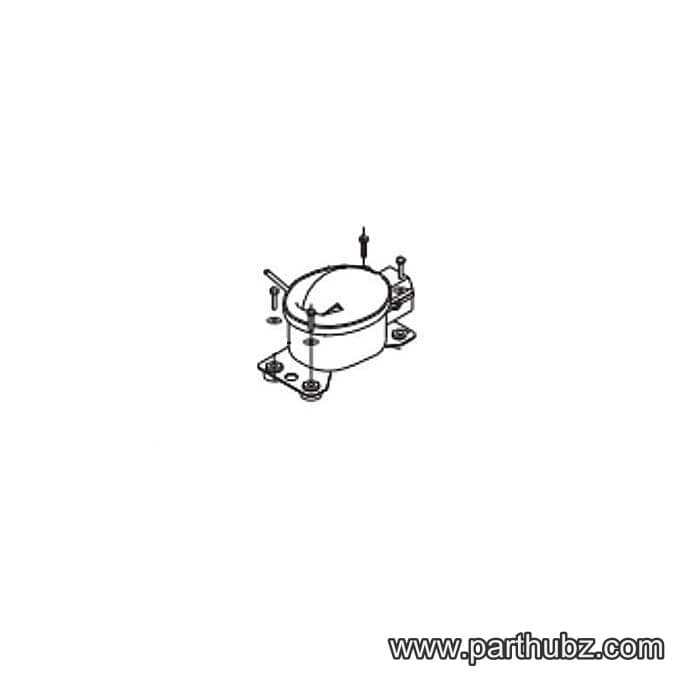 Available to Order
Atosa CTD008 COMPRESSOR-UKN43YA
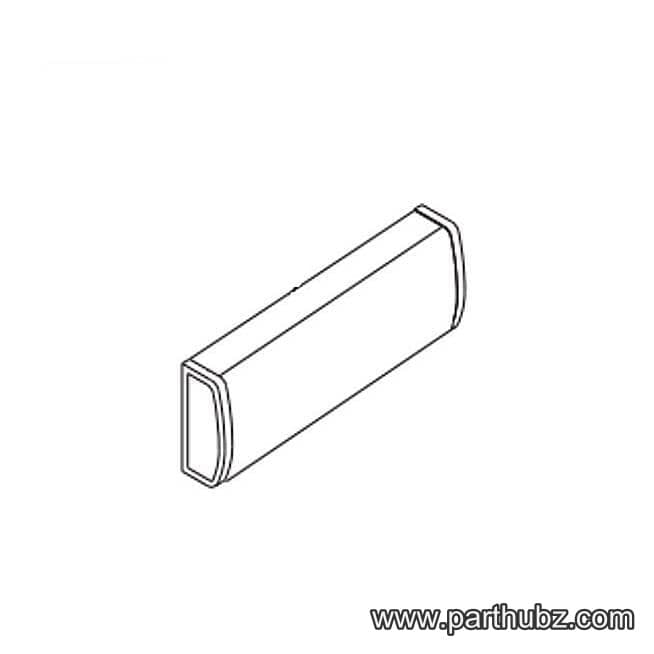 Available to Order
Atosa CTD025 LAMP PLATE
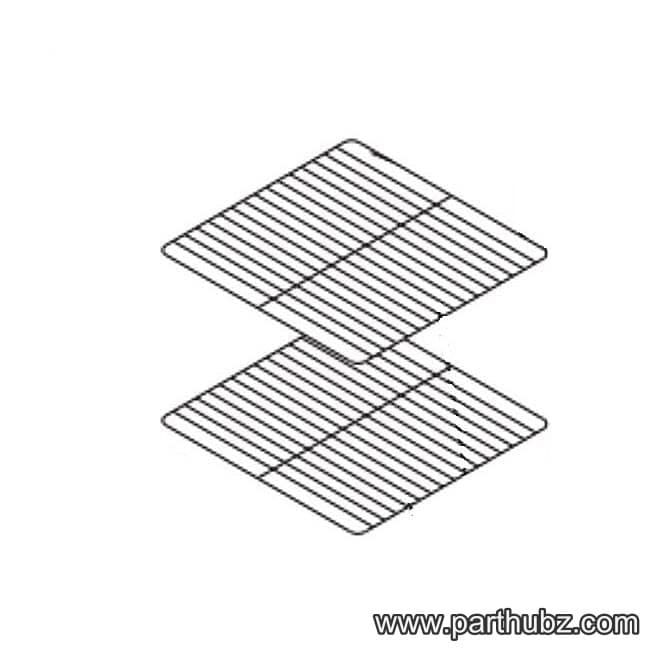 Available to Order
Atosa CTD031 SHELF
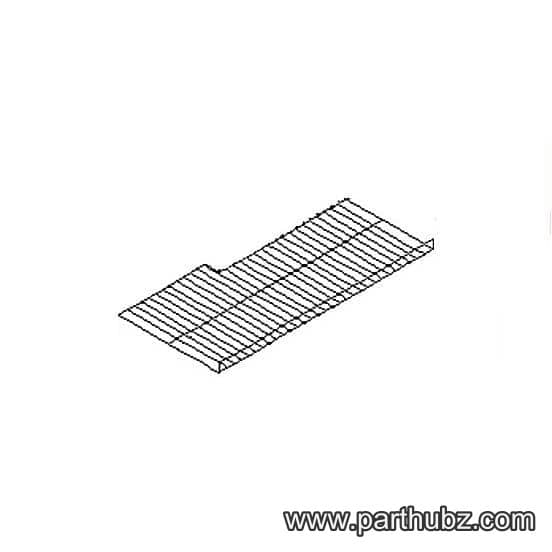 Available to Order
Atosa CTD019 BOTTOM SHELF
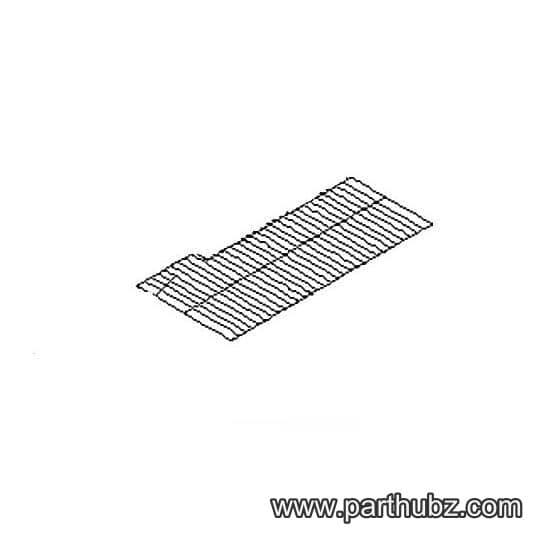 Available to Order
Atosa CTD045 BOTTOM SHELF
Available to OrderAtosa CTD023 LED LIGHT
Available to OrderAtosa CTD013 LED LIGHT
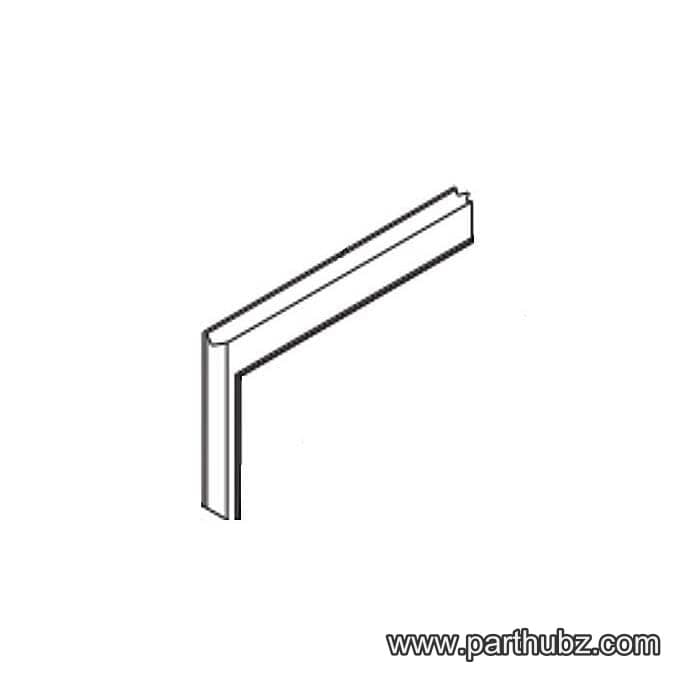 Available to Order
Atosa CTD027 GASKET
 Available to Order
Atosa CTD038 FAN MOTOR
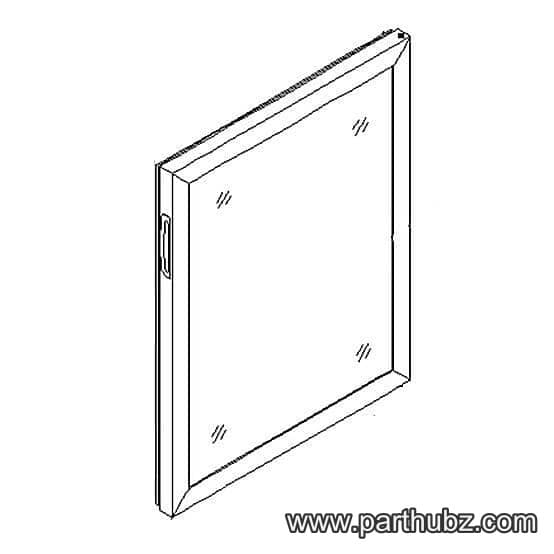 Available to Order
Atosa CTD016 DOOR
Available to Order


