

 Image not available
 Hobart
U2000CP3
ULTIMA 2000 Wide PrinterHobart U2000CP3 Control Panel
The Hobart U2000CP3 is an ULTIMA 2000 control panel with 102 speed keys, used with the system’s product-weighing and label-printing functions. The parts catalog identifies it as model ML-28810.
- Voltage
- 120 volts
- Phase
- 1
Hobart U2000CP3
149 compatible parts available
Genuine OEM Parts
Sourced from the manufacturer
Canadian Owned
Based in British Columbia
Canada-Wide Shipping
Every province and territory
24hr Quote Response
Answered by a real technician
Manuals & Documents
About the Hobart U2000CP3
Overview
The Hobart U2000CP3 is part of the ULTIMA 2000 system, which the operator manual describes as supporting product weighing and label printing. In the model list, U2000CP3 is identified as a control panel with 102 speed keys, model ML-28810. The parts catalog also lists a U2000CP3 console with speed keys and replacement components for the system.
The operator manual describes a system that stores product information and supports weighing and label-printing work. Its start screen is the operator’s starting point: operations begin and end there. The control panel is used to navigate screens, select tasks and enter information.
Key Features
- 102 speed keys: The U2000CP3 model listing specifies a control panel with 102 speed keys.
- Product weighing and label printing: These are the main functions described in the ULTIMA System Operator Manual.
- Product information storage: The system can store information on thousands of products, including NutriFacts, Safe Handling instructions, expanded text for ingredients, health tips, meal planners, recipes, cooking instructions and merchandising graphics.
- Operator display and keys: The manual describes a user display, function keys F1–F8, cursor keys and an Enter key. Speed keys can be used for frequently used PLUs.
- Parts documentation: The U2000CP3 parts catalog lists console, printhead and scale cable assemblies, along with electrical, housing and scale components. These are listed as replacement parts, not as a statement of what is included with a particular unit.
Specifications
- Model: Hobart U2000CP3.
- ULTIMA model reference: ML-28810.
- Control panel: Listed with 102 speed keys.
- System functions described: Product weighing and label printing.
- Memory: 1 MB, expandable to 6 MB.
- Operating temperature range: 32°F to 104°F (0°C to 40°C).
- Electrical requirement: 120 volts, 60 Hz, single-phase, three wires plus ground.
- Scale check reference: The manual says packages near the middle of a .01 lb increment may vary by .01 lb up or down.
- Parts manual: Form 43016, June 2001.
Installation & Requirements
The ULTIMA System Operator Manual states that the system should be installed or moved only by qualified Hobart Service Technicians. It specifies 120 volts, 60 Hz, single-phase electrical power with three wires plus ground. The power cord and main power switch are located at the back of the printer. The manual does not provide clearance or ventilation requirements in the supplied information.
The console’s Power key switches the user display on or off; it does not switch off system power. The manual identifies the main power switch at the back of the printer as the system’s on/off switch.
Operation
Using the start screen
The Start a Run screen is the initial operator location, and the manual says all operations begin and end there. Use the up and down arrow keys to move the cursor. The left and right arrow keys move between Weigh Type and Total Type. The active column appears in reverse video, and Enter selects the task. In normal operation, Enter and the down arrow perform the same function.
Weighing and checking the displayed weight
Before entering a PLU, verify that the screen displays “Zero Weight: 0.00 lb.” To rezero the scale when that reading is not displayed, remove items from the weighing mechanism and press Rezero. The manual instructs operators to routinely verify label information, including checking price-per-pound multiplied by weight and comparing the indicated weight with the printed weight. It also recommends weighing the same package several times to check consistency.
The manual notes that packages weighing near the middle of a .01 lb increment may normally vary by .01 lb up or down. It says greater variation indicates a need for adjustment and advises contacting an authorized Hobart service representative when adjustment is needed.
Entering date and time
The supplied manual excerpt describes entering the date as a six-digit number in MM/DD/YY format and the time as a four-digit number in HH:MM format. Press F1 to select AM or PM when needed. Pressing Esc saves the changes and returns to the Start a Run screen. The manual notes that date and time changes may be restricted depending on the system’s Scale Setup.
Labels and system controls
The manual includes sections on loading labels and removing or replacing the label cassette, but the supplied text does not include the step-by-step procedures. It identifies a power cord and main power switch at the back of the printer, and clarifies that the console Power key affects only the user display.
Troubleshooting
- Zero weight is not displayed: Remove items from the weighing mechanism and press Rezero. Confirm that “Zero Weight: 0.00 lb” appears before entering a PLU.
- Weight readings vary: Repeat the weighing of the same package and compare the indicated weight with the printed weight. The manual says variation of .01 lb up or down can occur for packages near the middle of a .01 lb increment; greater variation indicates a need for adjustment.
- Adjustment is needed: Contact an authorized Hobart service representative, as directed by the operator manual.
- Further repair information: A U2000CP3 parts list is available as a 20-page English PDF. The listing describes it as a parts list intended to help identify failures and repair the system; it does not provide detailed repair procedures in the supplied excerpt.
Applications
The documented uses are weighing products and printing labels. The system’s product records can include ingredient text, NutriFacts, Safe Handling instructions, recipes, cooking instructions and other information for labels or product-related use. In operation, the manual refers to entering a PLU, checking price-per-pound calculations and verifying the weight printed on a package label.
Hobart U2000CP3 Specifications
- Voltage
- 120 volts
- Phase
- 1
- Model
- U2000CP3
- Memory
- 1 MB expandable to 6 MB
- Frequency
- 60 Hz
- Speed Keys
- 102
- FCC Classification
- Class A digital device
- Electrical Connection
- 3-wire plus ground
- Operating Temperature Range
- 32°F to 104°F (0°C to 40°C)
Frequently Asked Questions
What is the Hobart U2000CP3?+
How many speed keys does the U2000CP3 have?+
What power does the ULTIMA 2000 system require?+
What is the ULTIMA 2000 operating temperature range?+
Who should install or move the system?+
How do I check that the scale is ready to use?+
What should I do if package weights vary?+
How much does a Hobart dishwasher cost?+
Does Hobart still exist?+
What products does Hobart offer?+
Need Parts for This Model?
Get a free quote for parts, service, or maintenance for the Hobart U2000CP3. We respond within 24 hours.
 Hobart
View all Hobart equipment →
Parts for the Hobart U2000CP3
Browse genuine OEM components, gaskets, heating elements, thermostats, and replacement hardware guaranteed to fit this equipment.
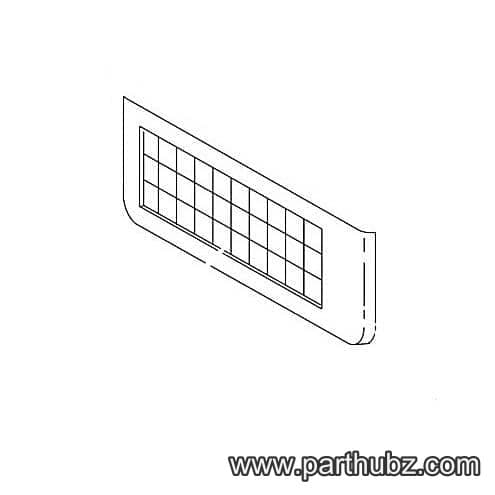 Available to Order
Hobart 00-041568 BEZEL ASSEMBLY.
 Available to Order
Hobart 00-441451 BRACKET,ASSEMBLY,TAKE-UP
 Available to Order
Hobart 00-041950 KNOB, ASSEMBLY
 Available to Order
Hobart 00-041520 SPOOL, PAPER TAKE-
 Available to Order
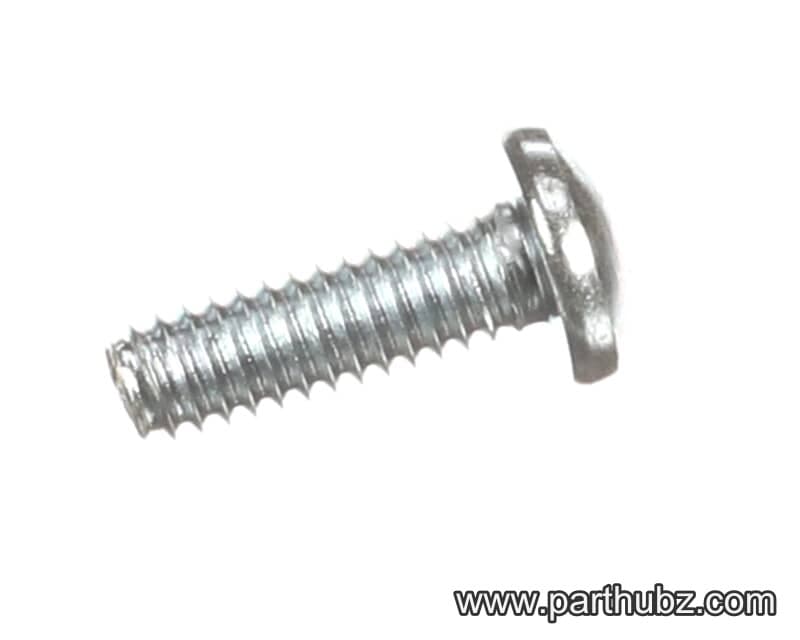
Hobart SC-121-76 SCREW,MACH,MET M3 X 0.5 X 12MM
 Available to Order
Hobart 00-042599 COVER, CIRCUIT BOA
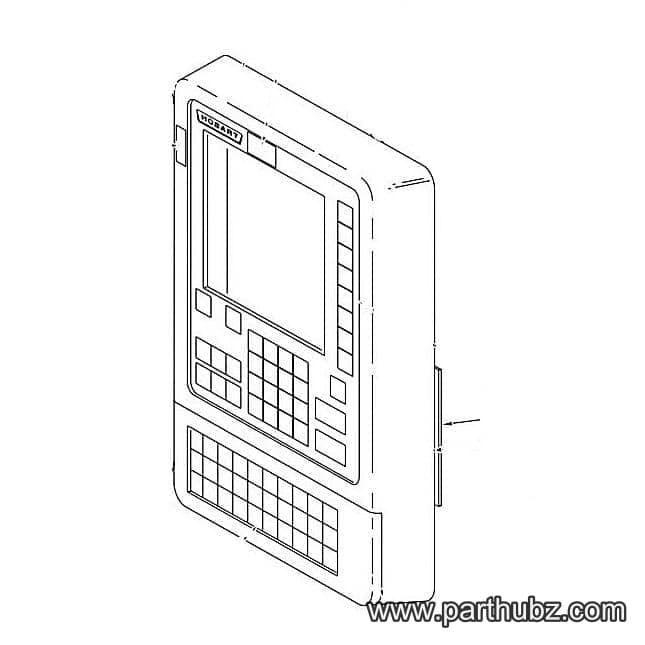 Available to Order
Hobart 00-042216 SPEAKER, ASSEMBLY
 Available to Order
Hobart 00-042350-00001 SWITCH, ASSEMBLY,
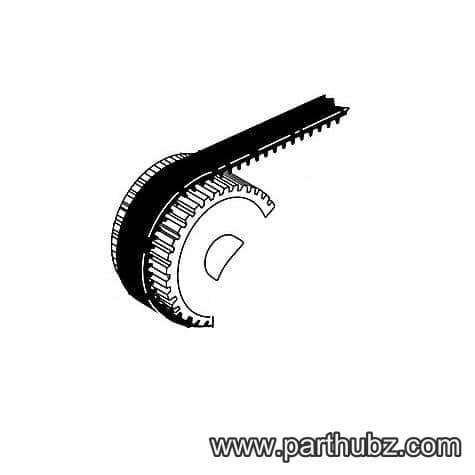 Available to Order
Hobart 00-041639 BELT, TAKE UP
 Available to Order
Hobart 00-042203 FILTER, LINE, ASSE
Available to OrderHobart NS-008-07 NUT
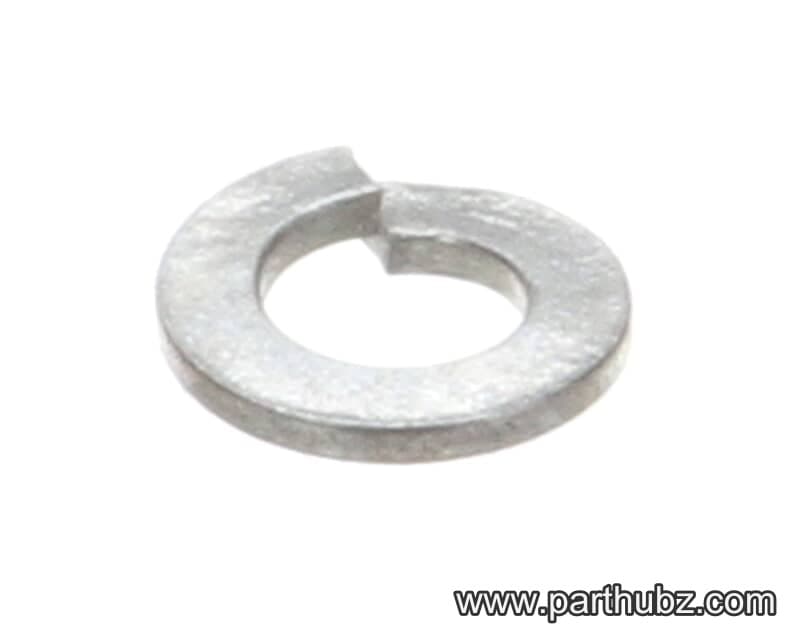 In Stock 360°
Hobart WL-003-39 Lock Washer, 1/4 Light
 Available to Order
Hobart 00-334838 PANEL,FRONT
 Available to Order
Hobart 00-334835 COVER, TOP
Available to OrderHobart 00-041645 PIN, PRINTER PIVOT
 Available to Order
Hobart 00-044343 KEYBOARD, STANDARD SPEED
 Available to Order
Hobart 00-042211 WIRE, ASSEMBLY, JU
Available to OrderHobart 00-041663 BRACKET, NUT
 Available to Order
Hobart 00-042606 BASE, ASSEMBLY
Available to OrderHobart 00-184991 CONTACT, CLIP-ON MOUNTING
 Available to Order
Hobart 00-041660 SPINDLE, TAKE-UP
 In Stock 360°
Hobart WS-002-51 WASHER
Available to OrderHobart 00-041677 ROLLER, BELT IDLER
 In Stock 360°