

 Blodgett
ZEPHAIRE E PLUS
Electrical Convection OvensBlodgett ZEPHAIRE E PLUS Electric Convection Oven
The Blodgett ZEPHAIRE E PLUS is an electric convection oven with a circulating blower and controls for temperature, cooking time and cool-down. The manual states that it holds up to ten 18” x 26” bun pans and operates from 200°F to 500°F.
Blodgett ZEPHAIRE E PLUS
126 compatible parts available
Genuine OEM Parts
Sourced from the manufacturer
Canadian Owned
Based in British Columbia
Canada-Wide Shipping
Every province and territory
24hr Quote Response
Answered by a real technician
Manuals & Documents
About the Blodgett ZEPHAIRE E PLUS
Overview
The Blodgett ZEPHAIRE E PLUS is an electrical convection oven for commercial cooking and baking. Its blower circulates air through the oven, and the manual notes that the fan must be operating for the oven to heat. The operating manual covers the ZEPHAIRE E and ZEPHAIRE E PLUS family; where a detail is shared in that manual, it is presented here as a family-level instruction rather than as a separate model configuration.
The manual describes three E PLUS control arrangements: standard control, manual control with a water spritzer, and solid-state digital control. The water spritzer is an option available with standard controls only. The oven’s rating plate should be checked for the electrical specifications of the particular unit before utility connections are made.
Key Features
- Convection cooking: The blower operates during heating to circulate air in the oven chamber.
- Pan capacity: The manual states that the oven holds up to ten 18” x 26” bun pans.
- Temperature and timing controls: The standard control includes a thermostat and cook timer; the E PLUS control also provides cavity lights, blower speed selection and a cool-down function.
- Control choices: The manual covers standard control, manual control with an optional water spritzer, and solid-state digital control.
- Optional steam injection: On the manual-control spritzer option, pressing the spritzer switch injects steam into the oven cavity. A water indicator light illuminates while steam is being produced.
Specifications
- Equipment type: Electrical convection oven.
- Model: Blodgett ZEPHAIRE E PLUS.
- Thermostat range: 200°F–500°F (93°C–260°C), as stated for the E PLUS standard control in the manual.
- Capacity: Up to ten 18” x 26” (45.7 x 66.0 cm) bun pans.
- Control options described: Standard control; manual control with water spritzer; solid-state digital control.
- Standard-control features: Cavity-light switch, blower HI/LO/OFF switch, cool-down switch, oven-ready light, thermostat, cook timer and heat-cutoff circuit breaker.
- Electrical service: The electrical rating is specific to the oven. Check the rating plate on the oven body back to confirm compatibility with the available electrical service; the supplied sources do not state one universal voltage or amperage for the ZEPHAIRE E PLUS.
- Installation clearance in the E PLUS manual: 1/2” (1.3 cm) at the oven body right side, left side, back and bottom.
- Optional spritzer water connection: The manual specifies a 3/4” female garden-hose connection at the rear of the oven for this option.
Installation & Requirements
The manual reserves installation and service instructions for qualified personnel. For U.S. and Canadian installations, it directs installers to follow local codes or, where local codes are absent, the National Electrical Code, ANSI/NFPA 70, and/or Canadian National Electric Code C22.2, as applicable. The rating plate is attached to the back of the oven body; verify that the oven specifications match the electrical service before making utility connections.
The stated clearances for the E PLUS are 1/2” (1.3 cm) at the right side, left side, back and bottom of the oven body. The manual also requires adequate space for service access and says to keep the oven area clear of combustibles such as paper, cardboard, flammable liquids and solvents. Do not place the oven on a curb base or seal it to a wall, as this restricts airflow and can prevent proper ventilation. The supplied source does not give a separate ventilation system specification.
For the electrical connection, the manual describes routing the service line through the rear of the oven to the terminal block. Its procedure calls for removing the bottom trim and control panel, using the rear knockout for the supply line, connecting the wires to the terminal block, and reinstalling the panel and trim. This work is for qualified installation personnel. If the optional water spritzer is fitted, the manual specifies connecting the water source to the rear 3/4” female garden-hose connection and installing backflow protection in accordance with applicable codes.
Operation
Controls and start-up
On the standard E PLUS control, the cavity-light switch operates the oven lights, the blower switch selects HI, LO or OFF, and the cool-down switch selects AUTO or MAN. The oven-ready light indicates that the elements are heating; when it goes out, the oven has reached operating temperature. The thermostat controls the cooking temperature, the timer measures the cooking period and sounds a buzzer when the set time expires, and the heat cutoff is a circuit breaker. To cook, set the cool-down switch to AUTO, select the temperature, set the blower to HI and wait for the oven-ready light to go out before loading food and setting the timer. To turn the oven off, set the blower switch to OFF.
The blower must operate for the oven to heat. The manual describes using the cool-down mode between bakes when the next product requires a lower temperature: set the blower to LO, set the cool-down switch to MAN and keep the door open. Follow the instructions for the specific control fitted to the oven, since the manual includes multiple control versions.
Preheating and cooking
Always preheat before baking or roasting. The manual recommends preheating 50°F (28°C) above the cook temperature to offset the temperature drop when the doors open and cold product is loaded, then setting the thermostat to the cook temperature after loading. For frozen product, it recommends preheating 100°F (56°C) above the cook temperature. As a general starting point, convection-oven cooking temperatures should be 50°F (28°C) lower than deck- or range-oven recipes. If the edges are done but the centre is raw, or colour varies, the manual advises reducing the thermostat setting by a further 15–25°F (10–15°C) on successive loads until results improve. It cautions that excessive temperatures do not reduce cooking time and can produce unsatisfactory baking and roasting results.
Check products at about half the time recommended for deck- or range-oven recipes. Cooking time varies with the amount of product loaded, pan type and product temperature, so record the time and temperature that work for each recipe. Pan or product height determines rack use. Centre pans on the rack and load from the bottom. Do not place pans or aluminium foil on the oven bottom, as they obstruct airflow and can lead to uneven baking or roasting. For roasting, the manual recommends placing meat directly on racks and placing a sheet pan half full of water in the bottom rack position to add humidity and catch drippings. Weigh baked products for even distribution in each pan; differing product amounts can cause uneven results.
For light or liquid products that may ripple toward the fan, use the Pulse Plus feature if the oven is equipped with it. The manual’s alternative procedure is to preheat 25°F (15°C) above the baking temperature, load the product and close the doors, reset the thermostat to the baking temperature, turn the oven off and allow the product to set for 5–7 minutes using residual heat, then turn the oven on for the remainder of the bake. Turn the cavity lights off when not viewing the product; leaving them on for extended periods shortens bulb life.
Cleaning & Maintenance
Clean the oven when it is cold. The manual says stainless-steel surfaces can be maintained with a light oil: apply it to a cloth, wipe the cold oven and dry with a clean cloth. Baked-on splatter on stainless-steel fronts or interiors may be removed with a non-toxic industrial stainless-steel cleaner. Heat tint and heavy discolouration may be treated with a non-toxic commercial oven cleaner. Apply cleaners to cold surfaces and rub with the grain of the metal.
For the porcelain interior, the manual permits commercial oven cleaner. Remove racks and rack supports for cleaning; the manual describes soaking those parts in a solution of ammonia and water before reinstalling them. Keep liquids away from light sockets, temperature probes and heating elements. Do not spray electrical connections, the thermostat or light-bulb receptacles. Caustic cleaning compounds must not contact the aluminized-steel panel directly behind the blower wheel. Follow the cleaner’s product instructions.
The manual states that the oven requires no lubrication. It calls for the venting system to be checked annually for deterioration related to moisture and corrosive flue products. Proper installation and routine cleaning are identified as key preventive-maintenance measures. Before servicing, disconnect the oven from the power supply. For repairs or adjustments, the manual recommends contacting a local Blodgett service agency; difficult troubleshooting and repair work should be performed by qualified personnel.
Troubleshooting
- Elements will not heat: Check whether the oven is plugged in, the control-panel power switch is on, the control is set above ambient temperature and the doors are closed. The manual’s suggested remedies are to connect the electrical supply, set the control to COOK or OVEN ON, select the desired cooking temperature and close the doors.
- Oven does not come to ready: The oven may not have reached preheat temperature; wait for it to preheat. An internal problem with the main temperature control is another possible cause and requires qualified service.
- Convection fan does not run: Check that the oven is plugged in, reset a tripped circuit breaker and close the doors. If the problem remains, contact qualified service personnel.
- General baking problems: The manual lists an out-of-calibration thermostat as a possible cause. It marks the remedy as a difficult operation for qualified personnel and recommends service by a local Blodgett service agency rather than adjustment by the owner or operator.
Disconnect the oven from its power supply before servicing. The manual cautions that repairs or adjustments by unqualified personnel can cause damage, and that Blodgett cannot assume responsibility for damage resulting from such service.
Applications
The manual’s suggested cooking guidance covers meats, poultry, fish and seafood, cheese dishes, potatoes and baked goods. Examples include hamburger patties, roasts, chicken, turkey, fish, macaroni and cheese, potatoes, pies, breads, biscuits, rolls, cakes and brownies. These are suggested starting points rather than guaranteed cooking results: actual times and temperatures vary with load weight, product temperature, recipe, pan type and thermostat calibration. Check products during cooking and record the settings that produce the desired results.
Blodgett ZEPHAIRE E PLUS Specifications
- Capacity
- Up to ten 18” x 26” (45.7 x 66.0 cm) bun pans
- Size/Depth
- Full size, bakery depth
- Product Type
- Electric convection oven
- Oven Body Back Clearance
- 1/2” (1.3 cm)
- Oven Body Bottom Clearance
- 1/2” (1.3 cm)
- Thermostat Temperature Range
- 200–500°F (93–260°C)
- Oven Body Left-Side Clearance
- 1/2” (1.3 cm)
- Oven Body Right-Side Clearance
- 1/2” (1.3 cm)
- Optional Water Spritzer Connection
- 3/4” female garden hose connection
Frequently Asked Questions
What is the temperature range of the Blodgett ZEPHAIRE E PLUS?+
How many pans does the ZEPHAIRE E PLUS hold?+
What electrical connection does this oven require?+
What control options are described for the ZEPHAIRE E PLUS?+
Why might the oven elements fail to heat?+
What should I check if the convection fan does not run?+
How should I preheat the ZEPHAIRE E PLUS?+
How long does a Blodgett convection oven typically last?+
How much does the Blodgett ZEPHAIRE E PLUS cost?+
Need Parts for This Model?
Get a free quote for parts, service, or maintenance for the Blodgett ZEPHAIRE E PLUS. We respond within 24 hours.
 Blodgett
View all Blodgett equipment →
Parts for the Blodgett ZEPHAIRE E PLUS
Browse genuine OEM components, gaskets, heating elements, thermostats, and replacement hardware guaranteed to fit this equipment.
 In Stock 360°
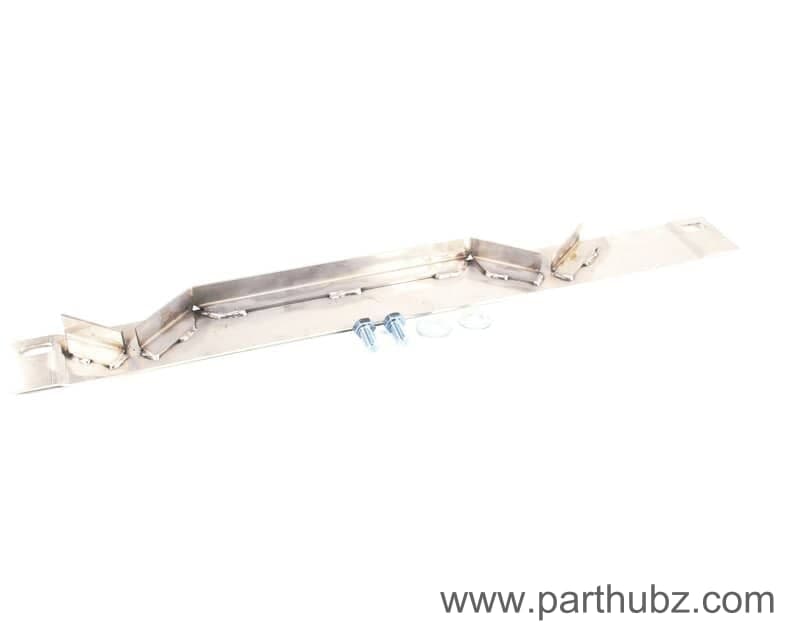
Blodgett 20517 Docking Assembly with Hardware
 In Stock
Blodgett 51659 KIT, TRACK SCREWS LH
 In Stock 360°
Blodgett 20319 Element Assembly, 480V, 10KW, MKV Conv Oven
 In Stock 360°
Blodgett 6500 Switch, Rocker, Dpst, Blue
 In Stock 360°
Blodgett 58726 Panel and Decal, Zephaire
 In Stock 360°
Blodgett 7636 Switch, Rocker, 3PDT, 115V, Off/Hi/Lo
 In Stock 360°
Blodgett 34761 KIT, BACKSHEET ZEPHG/DFG200
 In Stock 360°
Blodgett 15932 Bearing, .627ID x 3/4 Long, Door, Top & Bottom
 In Stock 360°
Blodgett 21104 FLUE BOX ASSEMBLY, SINGLE
 In Stock
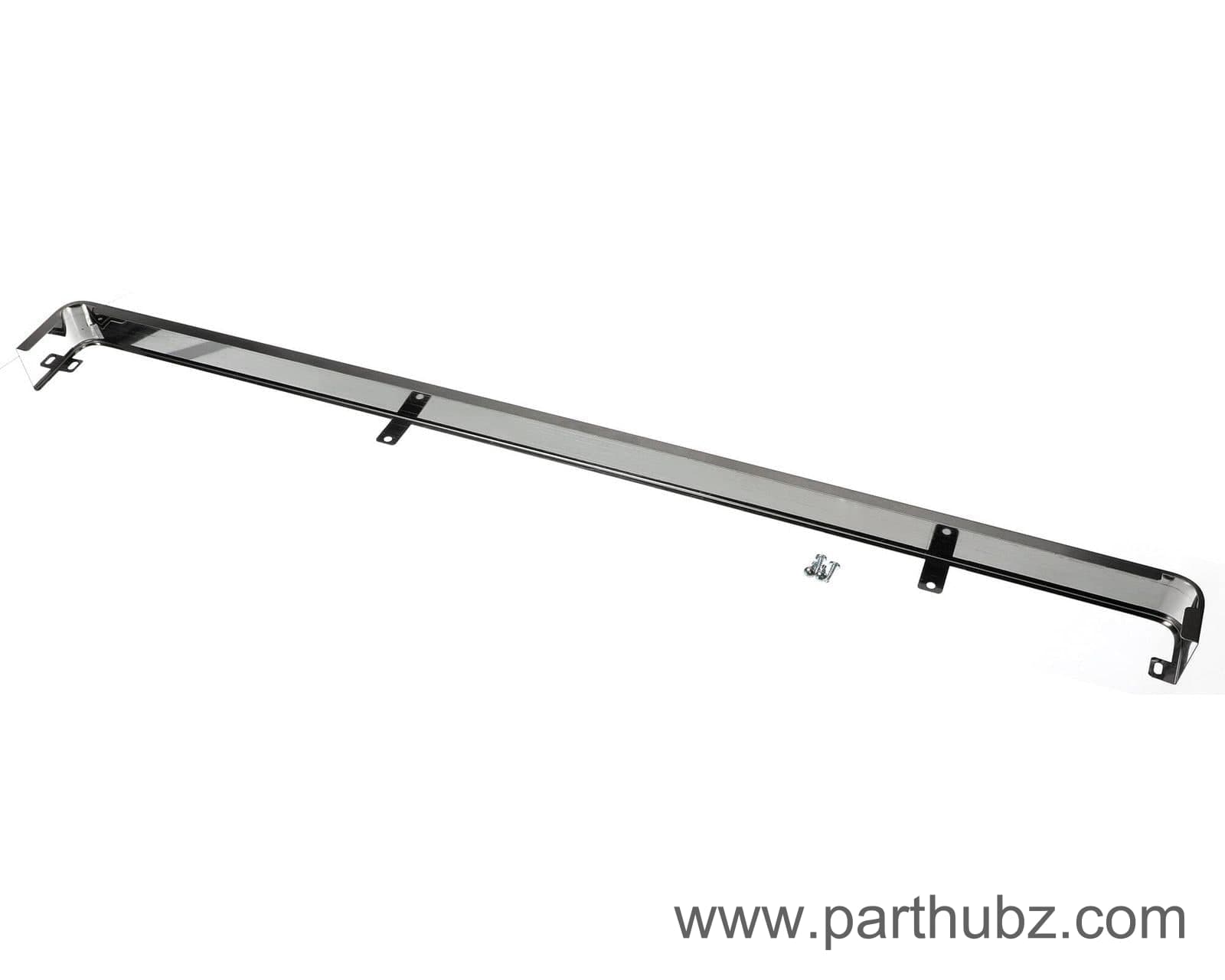
Blodgett 59657 Body Trim Kit, Front, Top
 In Stock 360°
Blodgett 21094 Door Pin with Screws, Upper
 In Stock 360°
Blodgett 57604 Switch, 8 STPT, Preferred Meals, Zephaire
In StockBlodgett 9015 TRANSPORT CART HANDLE
 In Stock 360°
Blodgett 21091 Door Assembly, Solid, Independent, Right Hand, Zephaire
In StockBlodgett 7689 CART ASSEMBLY, CTRG
 In Stock
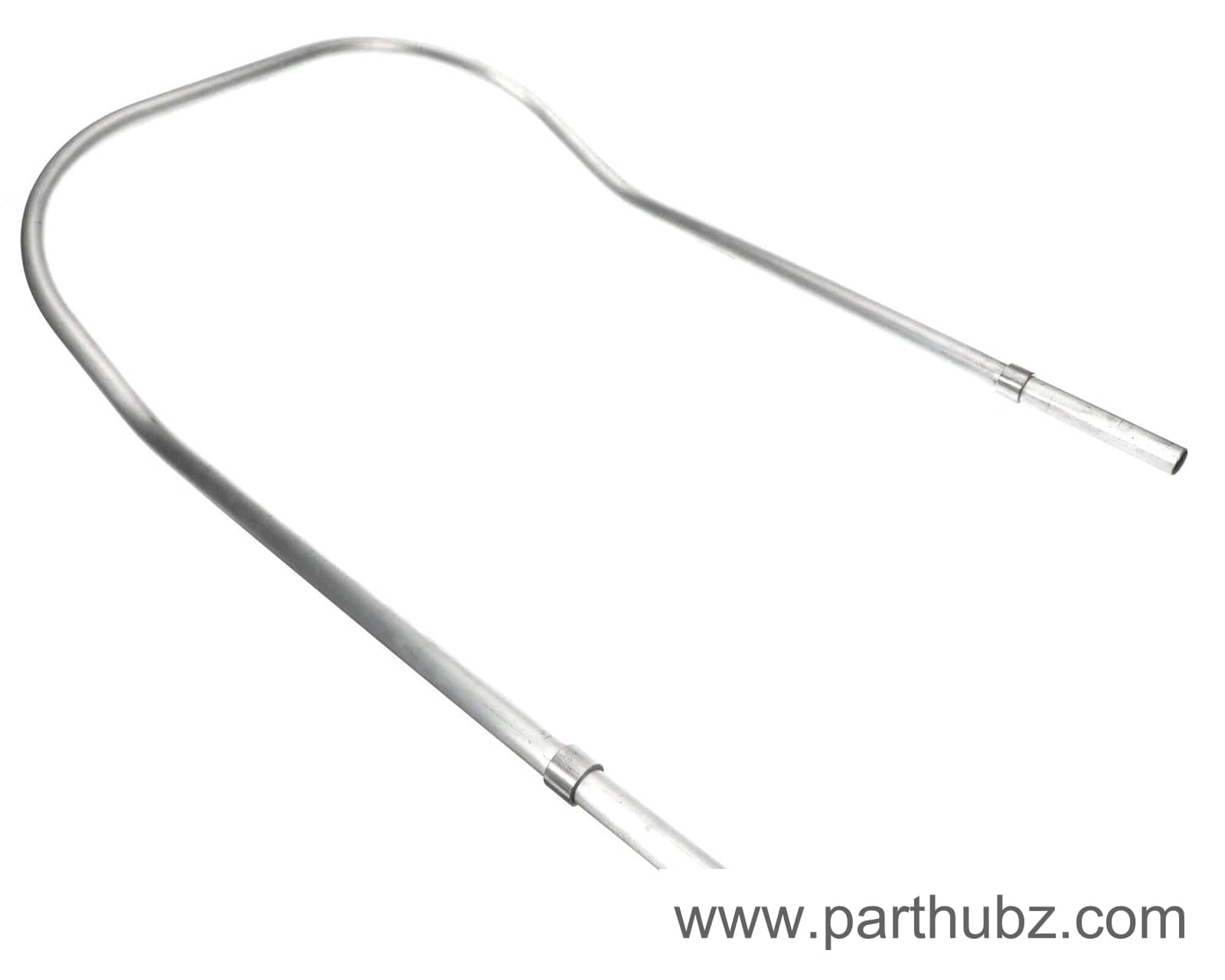
Blodgett 9052 Cart Handle Assembly
 In Stock 360°
Blodgett 21090 Door Assembly, Solid, Hinged Left, Zephaire
 In Stock 360°
Blodgett 8598 Legs With Feet, Stainless Steel, 25" Set Of 4
In StockBlodgett 34570 BODYSIDE, RH
In StockBlodgett 20223 BODY TOP, S/S EXT
 In Stock 360°
Blodgett 31024 Control Panel and Overlay Assembly with Lights, Zephaire
In StockBlodgett 23190 CROWN ASSEMBLY, S/S LG CONV
 In Stock 360°
Blodgett 20803 Door Assembly with Glass, RH, DFG/MKV
In Stock


