 Image not available
 Hobart
HTs-7ELST
Service ScaleHobart HTs-7ELST Service Scale
The Hobart HTs-7ELST is an HT Series service scale, identified as ML-29366 in the parts manual. It has a 10.1-inch operator display and an elevated 7-inch colour customer display.
- Voltage
- 120 V
- Phase
- 1 phase
Hobart HTs-7ELST
38 compatible parts available
Genuine OEM Parts
Sourced from the manufacturer
Canadian Owned
Based in British Columbia
Canada-Wide Shipping
Every province and territory
24hr Quote Response
Answered by a real technician
Manuals & Documents
About the Hobart HTs-7ELST
Overview
The Hobart HTs-7ELST is part of Hobart’s HTs Series scales. The parts manual identifies this model as ML-29366 and includes it in the HTs Series replacement-parts catalogue. Its operator console includes a 10.1-inch TFT display with WVGA LED, and its elevated customer display is a 7-inch colour display.
The HT Series system can store information for thousands of products. Product records can include handling and processing data such as PLU and UPC numbers, pricing, tare, and shelf life. The system can also hold consumer-facing information, including nutrition facts, safe-handling information, expanded text, health tips, meal planners, recipes, cooking instructions, and merchandising graphics. The information shown and the available functions depend on how the scale has been configured.
Key Features
- Operator interface: Touchscreen operator display with a home icon, menu icon, re-zero control, capacity information, zero indicator, screen-view indicator, alerts, operation-mode selection, and date and time display.
- Customer display: Elevated colour display, listed in the HTs Series parts manual as 7 inches.
- Product database: Product and consumer information can be stored and managed using product lookup numbers, or PLUs.
- Label printing: Manual and prepack workflows support printing labels after product and weight information are entered or detected.
- Connectivity: The HT Series manual lists an RJ-45 Ethernet connection for TCP/IP and an audio jack for external headphones. It specifies that HTs models have one USB port.
Specifications
- Model: Hobart HTs-7ELST
- Hobart model identifier: ML-29366
- Operator display: 10.1-inch TFT, WVGA LED
- Elevated customer display: 7-inch colour display
- Electrical supply: 120 V, 60 Hz, single phase, two-wire plus ground
- USB: One USB port on HTs models
- Network connection: RJ-45 jack for Ethernet TCP/IP
- Audio connection: Audio jack for external headphones; using the audio jack mutes the scale speakers
- Operating temperature range: 14°F to 104°F (-10°C to 40°C)
Installation & Requirements
The HT Series manual states that installation and moving should be carried out only by a qualified Hobart Service Technician. A power cord is provided and connects to the bottom of the scale. The specified electrical supply is 120 V, 60 Hz, single phase, two-wire plus ground. The manual gives an operating temperature range of 14°F to 104°F (-10°C to 40°C).
The manual identifies two Type A USB 2.0 ports for HT Series scales generally, but specifically notes that HTs models have only one USB port. It also lists an RJ-45 jack for an Ethernet TCP/IP connection and an audio jack for external headphones. When headphones are connected through the audio jack, the scale speakers are muted.
Operation
Operator screen and alerts
The operator screens are touchscreens used to enter information and access scale functions. The manual describes three screen views and says operators can move between them using the screen-view controls or by touching and swiping. HTs models do not use the left screen unless equipped with the browser function. Screen layout options, including where the information bar and menu and home icons appear, can be configured in Supervisor mode.
The persistent screen controls include the home icon, which returns to the main page; the menu icon, which opens additional scale features; and the re-zero icon, used to zero the weigher when there is nothing on the platter. The capacity area shows the scale capacity and current capacity range. A zero indicator appears when the scale is at zero with no weight on it. The screen also shows the selected operation mode, the operator name if login is required, and the current date and time.
The alert area can report user messages, printer issues, planogram messages, and network connectivity. A printer alert can indicate an issue such as an open label cassette or an empty label supply. Touching a flashing alert icon displays its message. If network connectivity is lost, the network icon flashes red; where enabled, the application background also turns red. Touching the network indicator can show network details if that function is enabled.
Scale operation modes
Manual mode is intended for a single transaction, such as a deli-counter sale. The operator places the product on the scale, enters its PLU, and touches the print icon to print the label.
Prepack mode is intended for multiple transactions, such as meat-room work. The operator places the product on the scale and enters its PLU. When the weight is stable, a label prints automatically; the operator does not need to touch the print icon. The product information remains on screen after printing, so another package using the same PLU can be placed on the scale for another label.
Item entry can be set to Normal, Accumulate Items, or Production Entry. Accumulate Items and Production Entry use Manual mode only. Production Entry supports entering several fixed-weight or by-count PLUs and the quantity of labels required for each. For example, the manual describes printing labels for multiple products in one operation. Accumulate Items is intended for transactions that include multiple PLUs, such as some bakery operations. Depending on configuration, it can print a label or a series of labels, item total labels, or itemized receipts. An item total label contains the grand total and barcode.
Product information
Product records can contain PLU and UPC numbers, prices, tare values, and shelf-life information. Consumer information can include nutrition facts and other product text, along with safe-handling details, cooking instructions, recipes, health tips, meal planners, and merchandising graphics. Supervisors can configure product records, label types, screen content, and operating features. The manual notes that available functions can depend on configuration and, for some HTs features, an active valid license.
Cleaning & Maintenance
The HT Scale cleaning instructions call for cleaning the printhead with a cotton swab and alcohol. Clean it every time a label roll is changed. The instructions also call for cleaning the roller on the label cassette with a cotton swab and alcohol.
Wipe the scale platter, display, and housing daily with a clean cloth and mild detergent solution. Do not dampen labels, electronic parts, or connections, and do not allow water to enter openings in the housing. The instructions warn that this could damage the scale system. Do not use a metal tool on the printhead, since it could scratch or break it.
Troubleshooting
Use the on-screen alert message to identify the issue reported by the scale. A flashing printer alert can indicate that the label cassette is open or that the scale is out of labels. Touch the printer alert icon to view its message. A network indicator that flashes red signals lost connectivity; touch it to view network details if that option is enabled. The manual describes these alerts and their display behaviour but does not provide repair procedures in the supplied excerpts.
Applications
The operating modes described in the manual support different service and production workflows. Manual mode suits single weigh-and-label transactions, such as deli-counter service. Prepack mode supports repeated labelling of packages using the same PLU, including meat-room work. Accumulate Items supports transactions involving multiple PLUs, such as bakery sales, while Production Entry supports planned runs of labels for several fixed-weight or by-count products. The product database can also hold product and consumer information used in retail food handling and processing.
Hobart HTs-7ELST Specifications
- Voltage
- 120 V
- Phase
- 1 phase
- Model
- HTs-7ELST
- USB Ports
- 1 Type A USB 2.0 port
- Manufacturer
- Hobart
- Scale Display
- 10.1 in. TFT WVGA LED touchscreen
- Audio Connection
- 3.5 mm audio jack
- Electrical Supply
- 120 V, 60 Hz, 1 phase (2-wire plus ground)
- Network Connection
- RJ-45 Ethernet (TCP/IP)
- Operating Temperature Range
- 14°F to 104°F (-10°C to 40°C)
Frequently Asked Questions
What is the Hobart HTs-7ELST?+
What displays are listed for the HTs-7ELST?+
What electrical supply does the manual specify?+
What connections are described for this scale family?+
How does Manual mode work?+
How does Prepack mode work?+
Can the scale print labels for multiple products in one operation?+
How should the printhead and scale surfaces be cleaned?+
What should I check if a printer alert appears?+
Who should install or move the scale?+
Need Parts for This Model?
Get a free quote for parts, service, or maintenance for the Hobart HTs-7ELST. We respond within 24 hours.
 Hobart
View all Hobart equipment →
Parts for the Hobart HTs-7ELST
Browse genuine OEM components, gaskets, heating elements, thermostats, and replacement hardware guaranteed to fit this equipment.
 Available to Order
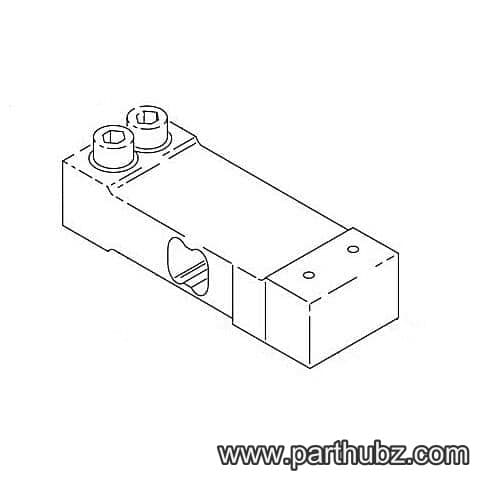
Hobart 00-044899 LOAD CELL, ASSEMBLY
 In Stock 360°
Hobart 00-519504 Thermal Joint Compound, 2 Ounce Tube
 In Stock 360°
Hobart 00-043353 Latch, Cassette
 Available to Order
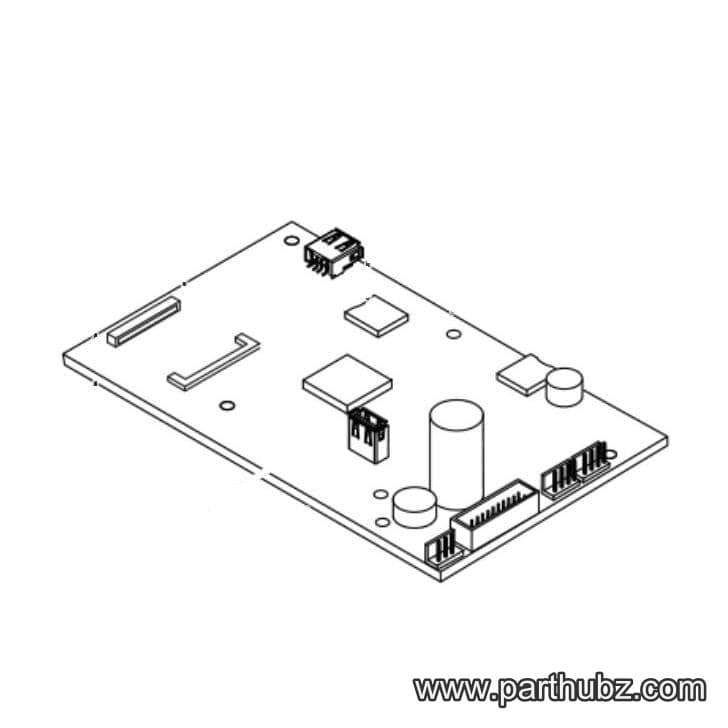
Hobart 00-448410 BOARD ASSEMBLY, SYSTEM CONTROL SOL
 In Stock 360°
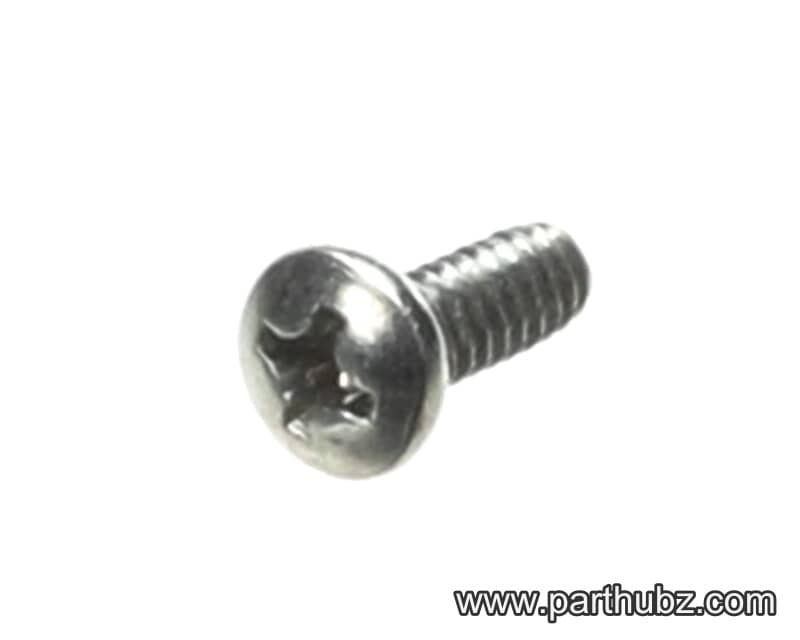
Hobart SD-015-38 Screw, Phillips Pan Head, 6-32 x 3/8", Self Tapping
 In Stock
Hobart NS-009-12 Hex Nut
 Available to Order
Hobart 00-447777 BOARD ASSEMBLY., SYS CTRL IMX6, SO
 Available to Order
Hobart 00-447084 GUIDE, SPRING
Available to OrderHobart 00-449454-00006 MICRO SD, PROGRAMMED, HT SERIE
 In Stock 360°
Hobart WL-003-12 Lock Washer, Split, #8
 In Stock 360°
Hobart 00-444660 Take-Up Assembly
 In Stock 360°
Hobart NS-031-03 Lock Nut with Nylon Insert, Hex, 6-32
Available to OrderHobart 00-449993 SPRING, LATCH RETURN
 In Stock 360°
Hobart 00-512987 Thread Lock, Loctite 222, 1.69 Ounces/50ML
 In Stock 360°
Hobart 00-447167 Wire Harness/Cable, Touchscreen, 5 Wire
 Available to Order
Hobart 00-449459 BOARD ASSEMBLY., SYS, CTRL, IMX6,
 In Stock 360°
Hobart 00-047442 Mounting Bracket, Label Taken
 In Stock 360°
Hobart SC-047-74 Set Screw, 8-32 x 1/4", Headless
 In Stock 360°
Hobart SC-110-12 Bolt, Hex Head, 1/4-20 x 5/8"
 In Stock 360°
Hobart 00-442823 Timing Belt, Stepper Motor, Printer, HTI Series Scales
 In Stock 360°
Hobart WL-008-13 LOCKWASHER
Available to OrderHobart 00-447089 KIT, SECURITY SEAL
Available to OrderHobart 00-447062 FILTER, COLOR CUST DISPLAY (NE
Available to Order