 Image not available
 Hobart
HTx-7EWS
Service ScaleHobart HTx-7EWS Commercial Service Scale
The Hobart HTx-7EWS is a commercial service scale with an elevated 7-inch display, touchscreen operator console, weighing platter and label printer. Its quick-start guide covers setup, weighing, label handling, cleaning and basic troubleshooting.
- Voltage
- 120 VAC
Hobart HTx-7EWS
29 compatible parts available
Genuine OEM Parts
Sourced from the manufacturer
Canadian Owned
Based in British Columbia
Canada-Wide Shipping
Every province and territory
24hr Quote Response
Answered by a real technician
Manuals & Documents
About the Hobart HTx-7EWS
Overview
The Hobart HTx-7EWS is a service scale in Hobart’s HTx Series. Hobart’s replacement-parts catalog identifies it as model ML-29356 and includes parts information for the HTx-7EWS alongside other HTx models. The available model-specific quick-start guide covers powering up, using the operator screen, entering a PLU, changing the displayed language, shutting down, rezeroing, loading labels and cleaning.
The operator start screen includes a dynamic content area that can be configured in Supervisor Mode for the department’s needs. The quick-start guide describes selecting products, weighing them and printing a label from this screen. Help on the scale provides access to the operator manual and tutorial videos.
Key Features
- Elevated display identified as a 7-inch display in the HTx-7EWS series information.
- Touchscreen operator console; Hobart’s HTx Series parts catalog lists a 10.1-inch TFT WVGA LED operator display.
- Operator start screen with a configurable dynamic content area.
- Product selection, weighing and label printing workflow.
- Label cassette with a loading diagram on its base.
- Two available display languages, changed using the language key.
- On-scale Help menu with access to the operator manual and tutorial videos.
Specifications
- Manufacturer: Hobart.
- Model: HTx-7EWS.
- Hobart model number: ML-29356.
- Equipment type: Service scale.
- Elevated display: 7 inches.
- Operator display: 10.1-inch TFT WVGA LED, listed in the HTx Series replacement-parts catalog.
- Power connection: 120 VAC dedicated electrical receptacle.
- Power-up: The scale powers up automatically when plugged in.
- Languages: Two available languages.
- Label format support: Troubleshooting instructions address die-cut and continuous label stock; the correct label stock size and label format must be used for the product.
Installation & Requirements
Plug the power cord into a dedicated 120 VAC electrical receptacle. The scale powers up automatically. The HTx Series parts catalog lists a 120 V power cord for the series. The supplied instructions do not specify clearance, ventilation or other installation requirements.
Operation
Starting and using the scale
After connection to power, the scale starts automatically. The operator start screen’s dynamic content area can be set up in Supervisor Mode to suit the department. The quick-start guide describes selecting products, weighing them and printing labels from this screen. For instructions on entering a PLU, Hobart directs users to the Resource Center’s Weigh-Wrap section; an internet connection is required to access that reference material.
Changing language and getting help
The scale has two available languages. Select the language key to change the display language. To open support material, select the Menu icon and then Help. The operator manual and tutorial videos are available through Help. French or Spanish material can be selected from the Help index.
Rezeroing the scale
Clear all items from the platter before pressing the Rezero button. If the scale reports “Out of zero maintenance zone,” first check that nothing is on or touching the platter, then rezero. If the issue remains, reboot the scale with no weight on the platter.
Loading labels and shutting down
Load labels according to the diagram on the label cassette base. The Help menu provides more detailed instructions under Chapter 4, Maintenance & Cleaning, in “Removing the Label Cassette – Loading the Label Cassette.” A printer overview video is also available in Help.
For normal shutdown, follow Help > Chapter 3: Using the HT Scale System > Shutting down the System. Shutdown can take a few minutes depending on the size of the scale database. Do not disconnect power while shutdown is in progress.
If the scale stops responding, its reboot button is on the lower-left side. Press the button; when the message says the scale application is ready to shut down, select Reboot to restart or Shutdown to turn it off.
Cleaning & Maintenance
Printhead and label cassette
Clean the printhead whenever the label roll is changed to help prevent debris and adhesive buildup. The troubleshooting checklist specifies a cotton swab and 99% isopropyl alcohol; it also lists alcohol swabs or a clean cloth with water or a mild cleanser as alternatives. Do not use a metal tool on the printhead, as it could scratch or break it. The quick-start guide also warns that sharp objects used to clean the printhead will void the scale’s warranty.
The HT scale cleaning instructions also describe removing the label cassette and cleaning its roller with a cotton swab and alcohol. Follow the label cassette instructions in Help when removing or reinstalling the cassette. Check the printer for labels stuck on its parts and remove them promptly by following the on-scale instructions.
Exterior and moisture precautions
Wipe the platter, display and housing daily with a clean cloth and mild detergent solution. Do not dampen labels, electronic parts or connections, and do not allow water to enter openings in the housing; moisture can damage the scale system.
Troubleshooting
Before arranging service, Hobart’s checklist recommends working through the applicable checks below.
- Blank operator display: Verify that the power cord is fully seated on the bottom of the scale.
- Partial, blank or lightly printed labels: Check that labels are threaded properly and clean the printhead. For light or uneven printing, the checklist specifically recommends cleaning the printhead.
- Scale prompts for a label but none appears: Make sure the label exit is clear and clean the printhead.
- PLU missing or pricing incorrect: Reboot the scale. If the issue remains, contact local IT to troubleshoot.
- Cents missing from the total price on a label: Open Operator Pages, select Printer Settings and adjust the horizontal print position to the left.
- Total price is not shown and labels will not print: Check whether the mode at the top of the main screen is set to Prepack. Switch it to Manual.
- Incorrect date or time: Open Supervisor Pages and enter the supervisor code. Select All Functions, then Setup Utility; adjust the date and time and select Set Date and Time.
- “Invalid label type for this product” message: Confirm that the correct label stock size is loaded. Resize the labels, open and close the cassette, and reload label formats.
- Changing between die-cut and continuous labels: Open Operator Pages, select Size Labels and set the label size.
- Scale offline: If connected by wire, check the Ethernet connection. Reboot the scale; if it remains offline, contact local IT to troubleshoot.
- Touchscreen is unresponsive or out of calibration: Open Supervisor Pages and enter the supervisor code. Select All Functions, Setup Utility and Calibrate Touch, then follow the on-screen prompts.
- Labels fall off the cassette or stick too hard: In Operator Pages, open Printer Settings. If labels fall off, adjust the vertical print position down; if they stick, adjust it up. Apply the change and print a label.
- Scale will not rezero: If the message says “Out of zero maintenance zone,” check that nothing is on or touching the platter, rezero and then reboot with no weight on the platter.
- Barcode cut off at the bottom of the label: Clean the printhead. Then open Operator Pages > Printer Settings, adjust the vertical print position up, apply the change and print a label.
If the checklist does not resolve the issue, the guide advises arranging a service appointment. It notes that cleaning checks performed by a technician are not covered under contract or warranty.
Applications
The scale’s documented workflow supports commercial food-service departments that need to select a product, weigh it and print a label. The configurable operator screen lets a supervisor tailor the displayed content to the department. The supplied documentation does not state a weighing capacity or identify specific food products for use with the HTx-7EWS.
Hobart HTx-7EWS Specifications
- Voltage
- 120 VAC
- Model
- HTx-7EWS
- Power Cord
- 120 V
- Manufacturer
- Hobart
- Power Supply
- 120 VAC
- Operator Display
- 10.1 In. TFT WVGA LED touchscreen
- Available Languages
- 2
- Electrical Receptacle
- Dedicated
Frequently Asked Questions
What is the Hobart HTx-7EWS?+
What electrical connection does the HTx-7EWS require?+
How do I rezero the scale?+
How do I load labels?+
How should I clean the printhead?+
How do I clean the scale exterior?+
What should I do if the scale stops responding?+
Can the HTx-7EWS print die-cut and continuous labels?+
How do I shut down the scale safely?+
What should I check if the scale is offline?+
Need Parts for This Model?
Get a free quote for parts, service, or maintenance for the Hobart HTx-7EWS. We respond within 24 hours.
 Hobart
View all Hobart equipment →
Parts for the Hobart HTx-7EWS
Browse genuine OEM components, gaskets, heating elements, thermostats, and replacement hardware guaranteed to fit this equipment.
 Available to Order
Hobart 00-447721 BOARD ASSEMBLY., MEMORY, DDR3 1333
 In Stock 360°
Hobart 00-519504 Thermal Joint Compound, 2 Ounce Tube
 In Stock 360°
Hobart 00-043353 Latch, Cassette
 In Stock 360°
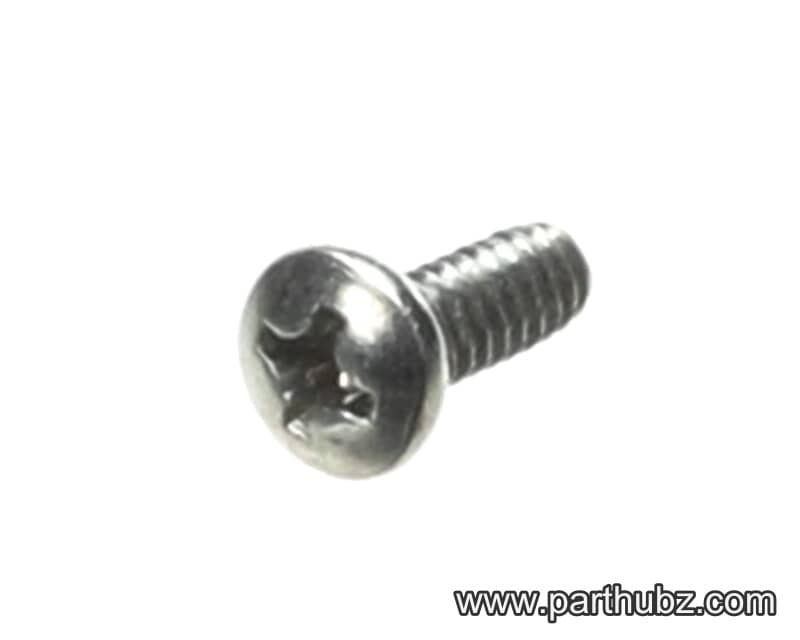
Hobart SD-015-38 Screw, Phillips Pan Head, 6-32 x 3/8", Self Tapping
Available to OrderHobart 00-447723-00002 HARDDRIVE WITH PROGRAMMING
 In Stock
Hobart NS-009-12 Hex Nut
 In Stock 360°
Hobart WL-003-12 Lock Washer, Split, #8
 In Stock 360°
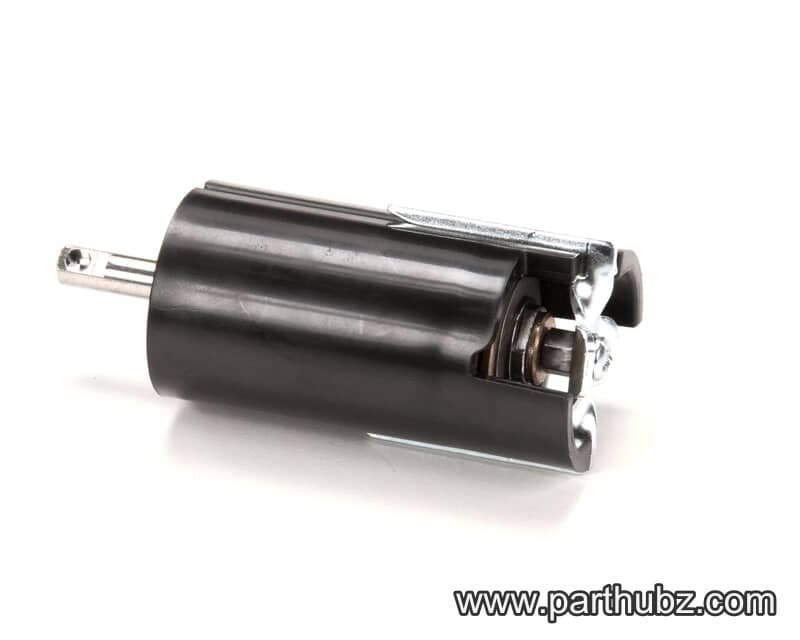
Hobart 00-444660 Take-Up Assembly
 In Stock 360°
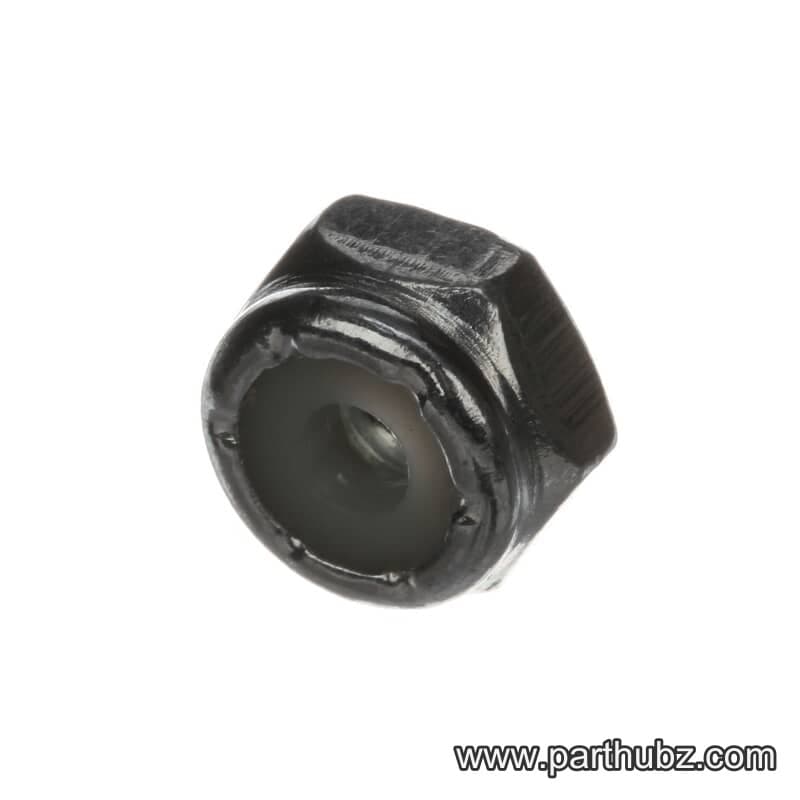
Hobart NS-031-03 Lock Nut with Nylon Insert, Hex, 6-32
 In Stock 360°
Hobart 00-512987 Thread Lock, Loctite 222, 1.69 Ounces/50ML
 In Stock 360°
Hobart 00-447167 Wire Harness/Cable, Touchscreen, 5 Wire
 In Stock 360°
Hobart 00-047442 Mounting Bracket, Label Taken
 In Stock 360°
Hobart SC-047-74 Set Screw, 8-32 x 1/4", Headless
 In Stock 360°
Hobart SC-110-12 Bolt, Hex Head, 1/4-20 x 5/8"
 In Stock 360°
Hobart 00-442823 Timing Belt, Stepper Motor, Printer, HTI Series Scales
 Available to Order
Hobart 00-447159 BOARD, ASSEMBLY, ATOM
 In Stock 360°
Hobart WL-008-13 LOCKWASHER
 In Stock 360°
Hobart 00-447157 Display/Touchscreen, 10.1", WVGA LED
 In Stock 360°
Hobart SC-018-31 Screw, Phillips Pan Head, 8-32 x 3/8"
 Available to Order
Hobart 00-448031 BRACKET, ASSEMBLY., PANEL MOUNT HT
 In Stock 360°
Hobart SC-111-83 Cap Screw, 6-32 x 3/4"
Available to OrderHobart 00-447723-00004 HARDDRIVE SATA DOM 32 GB PROGR
 In Stock 360°
Hobart NS-031-49 Stop Nut, Hex, 10-32, Stainless Steel
 In Stock 360°