

 Image not available
 Hobart
2912PS
SlicerHobart 2912PS Automatic Slicer with Portion Scale
The Hobart 2912PS is an automatic slicer with an integrated portion scale for weighing or counting slices. It offers six preset values for each weighing mode and slice count, with automatic slicing that stops when the selected preset is reached.
Hobart 2912PS
220 compatible parts available
Genuine OEM Parts
Sourced from the manufacturer
Canadian Owned
Based in British Columbia
Canada-Wide Shipping
Every province and territory
24hr Quote Response
Answered by a real technician
Manuals & Documents
About the Hobart 2912PS
Overview
The Hobart 2912PS is an automatic slicer with a portion scale. As sliced product falls onto the platter, the display can show its weight or the slice count. In automatic mode, an operator can select a weighing or counting mode and, if desired, a preset. When a preset weight or count is reached, the slicer returns the carriage to the home position and stops.
The controls support repeat work: a selected weight or count setting is retained in memory, and the manual describes six preset values for each weighing mode and slice count. If no preset is selected, the display starts at zero, shows the actual weight or count, and slicing continues until the operator stops it.
Key Features
- Integrated portion scale: Displays weight or slice count as product falls onto the platter.
- Weigh and count modes: The keypad offers WEIGH, WEIGH + PRESET, COUNT, and COUNT + PRESET.
- Preset control: Six presets are available for each of the three categories: weight in pounds, weight in ounces, and slice count. Presets can be reprogrammed.
- Automatic slicing: In automatic mode, Slice / Pause starts or resumes slicing. Pressing it while the slicer is running returns the carriage to home and stops slicing.
- Adjustable carriage speed: Hare increases the speed by one level and Tortoise decreases it by one level. Indicator lights show the selected speed.
- Safety components: The manual identifies a secured top knife cover, a non-removable ring guard, a removable deflector, and a meat grip for short ends.
- Cast stainless steel knife: The manual says the knife will provide long service in normal food retail or commercial kitchen use, while frequent sharpening shortens its service life.
Specifications
- Product type: Automatic slicer with portion scale.
- Scale display: Weight or slice count as sliced product falls to the platter.
- Scale capacity and increments: 6 lb in 0.01 lb increments; 96 oz in 0.1 oz increments; 3 kg in 0.005 kg increments; or 3000 g in 5 g increments.
- Scale tare: The keypad can tare platter weight up to 2 lb or 1 kg. The manual also describes holding the tare control for a full second to rezero the scale.
- Preset count: Six presets in each of three categories, for 18 preset values total.
- Factory presets, U.S. units: Weigh—LB: 0.25, 0.50, 0.75, 1.00, 1.50, and 2.00; Weigh—OZ: 2.0, 4.0, 6.0, 8.0, 10.0, and 12.0; slice count: 4, 6, 8, 10, 15, and 20.
- Factory presets, metric units: Weigh—kg: 0.100, 0.200, 0.300, 0.400, 0.500, and 1.000; Weigh—g: 100, 200, 300, 400, 500, and 1000; slice count: 4, 6, 8, 10, 15, and 20.
- Standard carriage fence: Low carriage fence. A high carriage fence is an accessory used with front-mounted meat grips.
- Standard meat grip: Front-mounted. A heavy front-mounted meat grip and tubular food chute are available accessories.
- Available leg-set accessory: A 4-inch leg set is identified in the manual.
Installation & Requirements
After unpacking, inspect the slicer for shipping damage. If damage is found, the manual instructs the recipient to retain the packaging and contact the carrier within 15 days of delivery. Before installation, check that the electrical service agrees with the specifications on the machine data plate, located on the right side of the slicer base.
The electrical receptacle must be properly grounded. If it is not the proper grounding type, the manual says to contact an electrician. The slicer must be thoroughly cleaned and sanitized after installation and before use. The manual does not provide clearance or ventilation requirements in the supplied information.
For the carriage fence setup shown in the manual: back out the thumb screw, lay the fence on the carriage tray, rotate it to vertical, slide it up, and tighten the screw.
Operation
Controls and modes
With the lever in Automatic, use the Mode key to select WEIGH, WEIGH + PRESET, COUNT, or COUNT + PRESET. In weighing mode, the keypad selects pounds or ounces in U.S. units, or the corresponding metric units. The up and down arrows adjust slice count or preset weight; when presets are active, they also move through the six programmed values. Indicator lights identify the mode, unit, preset, and carriage-speed level.
To program presets, the manual directs the operator to hold Mode for six seconds until two beeps sound and [Prog] appears. Select COUNT or WEIGH; for WEIGH, select the desired unit using the Mode and arrow-key combinations described in the manual. Use the up and down arrows to change the value and Hare or Tortoise to access presets 1 through 6. Press Mode for two seconds to save and exit. If a preset value is programmed as zero, the slicer counts up until the operator stops it.
Automatic slicing and scale use
For preset weighing, select WEIGH and the desired unit. The zero indicator is lit when the platter is empty; tare or rezero the platter if necessary. After selecting a preset, its value displays briefly before the platter weight appears. Set the gauge plate and press Slice / Pause to begin automatic slicing. When the platter weight equals or exceeds the preset, the carriage returns to home and the slicer stops.
In automatic mode, the operator can choose WEIGH by pound or ounce, or COUNT, and select a preset. The display shows remaining slice count or actual weight as slices are made. The setting is retained for repeat applications or can be reset. Without a preset, the slicer displays actual weight or count and runs continuously until stopped.
The manual says the automatic-mode display remains on only when the switch knob is on, the gauge plate is open, and the carriage is at home or moving during slicing. In Manual mode, the keyboard display and knife motor are on or off together. If AutoShutoff is enabled, inactivity for 10 seconds in Manual mode turns the slicer off when there has been no keystroke or full carriage stroke. The feature is off from the factory and can be enabled or disabled using the procedure in the manual.
Safe use
The top knife cover must be in position and secured with the latch knob whenever the slicer is used. The ring guard is not removable. The deflector below the knife can be removed for cleaning. Use the meat grip when slicing short ends to keep hands away from the knife. When the slicer is not running, turn the index knob fully clockwise below zero so the gauge plate covers the knife edge. Unplug the power cord before cleaning or moving the slicer. The manual warns operators to unplug the machine before cleaning, servicing, or removing parts, and to replace parts before use.
Cleaning & Maintenance
Cleaning
Unplug the power cord before cleaning. Wipe machine surfaces with a clean cloth soaked in mild detergent and warm water, then rinse with a fresh cloth and clean water. Use only products formulated for stainless steel or aluminum. Do not use steel pads, and do not wash slicer components in a dishwasher or immerse the base or motor in water.
To clean the carriage tray and support arm, close the gauge plate and pull the carriage fully forward. Unscrew the knob on the carriage tray/support arm and tilt the assembly to the right until almost horizontal. It can be cleaned in that position or removed by lifting it straight up with both hands and cleaned in a sink. The manual notes that the last three digits of the slicer serial number are etched on the key, so the carriage tray stays with its own slicer.
Remove the top knife cover by turning the latch knob counterclockwise and lifting the cover from its guide pins. Remove the deflector from its mount below the knife by rotating it downward. Clean the cover and deflector in a sink with warm soapy water and rinse with clean water. Remove the sharpener by pushing its lock lever to the left, tilting its right side up to clear the guide pin, then lifting it clear of the other pin. Wipe residue from the sharpener housing and clean the sharpener in a sink; rinse it.
Clean around the ring guard with a moistened, folded paper towel worked between the guard and knife. Place the towel at the base of the ring guard and manually rotate the knife so the towel wipes the guard and gauge-plate edge. Wash and rinse both sides of the knife by wiping outward from the center, using mild detergent or sanitizer solution only. The platter and platter support can be removed by lifting straight up; replace them after cleaning.
Do not exceed the detergent or sanitizer manufacturer’s recommended concentration. For available chlorine, do not exceed 200 parts per million. The manual gives the example that 1 tablespoon of 5.25% sodium hypochlorite bleach mixed with 1 gallon of water yields 200 ppm available chlorine, and warns that stronger solutions accelerate metal corrosion. Rinse with clean water after sanitizing.
To reassemble, slide the left sharpener slot over the bracket’s left guide pin while tilting slightly, press down on the right side so the locking hole fits over the right pin, and move the lock lever to the right. Confirm the sharpener is securely engaged. Position the top knife cover on its three guide pins, lower it while turning the latch knob to the left, then release and turn the knob to the right until snug. Guide the deflector socket onto its mount and rotate it upward. Match the digits on the carriage key to the last three digits of the slicer serial number. Lower the carriage tray/support arm so its key fits the carriage-pivot slot, tilt the tray back toward the gauge plate, and tighten its knob clockwise until snug.
To clean under the slicer, raise the lift lever past center to its stop. After cleaning, slowly retract the lever to return the slicer to its normal position. The manual cautions that failure to follow use, care, and maintenance instructions may void the Hobart warranty.
Knife sharpening and lubrication
Sharpen the knife only when necessary; prolonged or overly frequent sharpening causes unnecessary knife wear. Before sharpening, unplug the slicer, close the gauge plate fully by turning the index knob clockwise, remove the top knife cover, and thoroughly wash around the knife, the exposed knife surfaces, and the knife edge. The manual cautions against transferring meat or cheese fat from the knife to the sharpener.
For the sharpening procedure, plug in the power cord with the carriage tray fully forward. Start the slicer by pulling and holding the start switch forward. If the sharpener handle does not hang downward, pull it fully forward for five seconds. If it hangs downward, lift it to horizontal and pull it forward for five seconds. Slowly release the handle, release the switch knob to turn off the slicer, and repeat for another five seconds only if necessary. Unplug the slicer, wipe away grinding particles with a clean damp cloth, and replace the top knife cover.
The manual specifies Lubriplate FMO-200-AW oil for the carriage slide rod. One stated method is to apply 8–10 drops in the wick hole on the carriage transport every 2–3 months, depending on use.
Applications
The manual identifies normal food retail and commercial kitchen use and discusses slicing product for weight-based or slice-count portions. The weigh and preset functions can support portioning by weight, while count mode supports repeat slice quantities. The manual also refers to meat and cheese when describing cleaning and sharpener care.
Hobart 2912PS Specifications
- Brand
- Hobart
- Model
- 2912PS
- AutoShutoff
- Factory disabled; when enabled, shuts off after 10 seconds of inactivity in Manual mode
- Preset Values
- Six for each weigh mode and slice count; 18 total
- Equipment Type
- Automatic slicer with portion scale
- Model Designation
- ML-104966
- Standard Meat Grip
- Front-mounted
- Slice Count Presets
- 4, 6, 8, 10, 15, 20
- Available Accessories
- Tubular food chute; 4-inch leg set; high carriage fence; heavy front-mounted meat grip
- Weigh Presets (grams)
- 100, 200, 300, 400, 500, 1000
- Scale Capacity (grams)
- 3000 gm
- Scale Increment (grams)
- 5 gm
- Standard Carriage Fence
- Low
- Weigh Presets (kilograms)
- 0.100, 0.200, 0.300, 0.400, 0.500, 1.000
- Previous Model Designation
- ML-104833
- Scale Capacity (kilograms)
- 3 kg
- Weigh Presets (U.S. ounces)
- 2.0, 4.0, 6.0, 8.0, 10.0, 12.0
- Weigh Presets (U.S. pounds)
- 0.25, 0.50, 0.75, 1.00, 1.50, 2.00
- Scale Capacity (U.S. ounces)
- 96 oz
- Scale Capacity (U.S. pounds)
- 6 lb
- Scale Increment (U.S. ounces)
- 0.1 oz
- Scale Increment (U.S. pounds)
- 0.01 lb
Frequently Asked Questions
Are Hobart meat slicers good?+
How much does the Hobart 2912PS weigh?+
Does the Hobart 2912PS have a built-in scale?+
What is the 2912PS scale capacity?+
Can the 2912PS stop automatically at a target portion?+
How many presets does the 2912PS have?+
Does the slicer have an inactivity shutoff?+
How often should the 2912PS knife be sharpened?+
What oil does the 2912PS manual specify for the carriage slide rod?+
Need Parts for This Model?
Get a free quote for parts, service, or maintenance for the Hobart 2912PS. We respond within 24 hours.
 Hobart
View all Hobart equipment →
Parts for the Hobart 2912PS
Browse genuine OEM components, gaskets, heating elements, thermostats, and replacement hardware guaranteed to fit this equipment.
 In Stock 360°
Hobart SD-024-29 Screw, Phillips Flat Head, 10-32 x 3/4", Self-Tapping Type TT
 In Stock 360°
Hobart 00-875320 Handle, Feed Grip
 In Stock 360°
Hobart SC-088-71 Set Screw, Flat Point, 8-32 x 3/8"
 In Stock 360°
Hobart 00-439045 Stud, Drive
 Available to Order 360°
Hobart 00-439691 Stone Service Kit for Knife Sharpener
 Available to Order
Hobart 00-478285-00002 STAND,OFF HEX
 In Stock 360°
Hobart 00-478027 Bearing, Main Link, 2000 Series Slicer
 In Stock 360°
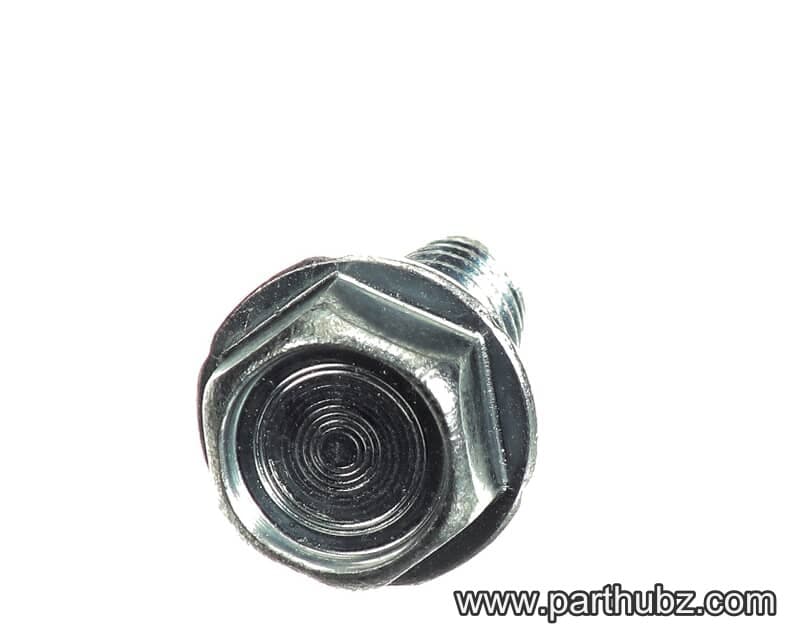
Hobart SD-038-18 Screw, Hex Washer Head, 5/16-18 x 3/4"
 In Stock 360°
Hobart 00-087714-042-3 Relay, 240V Coil, DPST, 20A
 In Stock 360°
Hobart 00-478040 Washer, Main Link
 In Stock 360°
Hobart 00-478409 Pin, 1/4" x 1", Auto/Manual Stop, 2000 Series
 In Stock 360°
Hobart WL-007-20 Lock Washer, External Tooth, 5/16"
 In Stock 360°
Hobart WL-013-08 Lock Washer, External Teeth, #8
 In Stock 360°
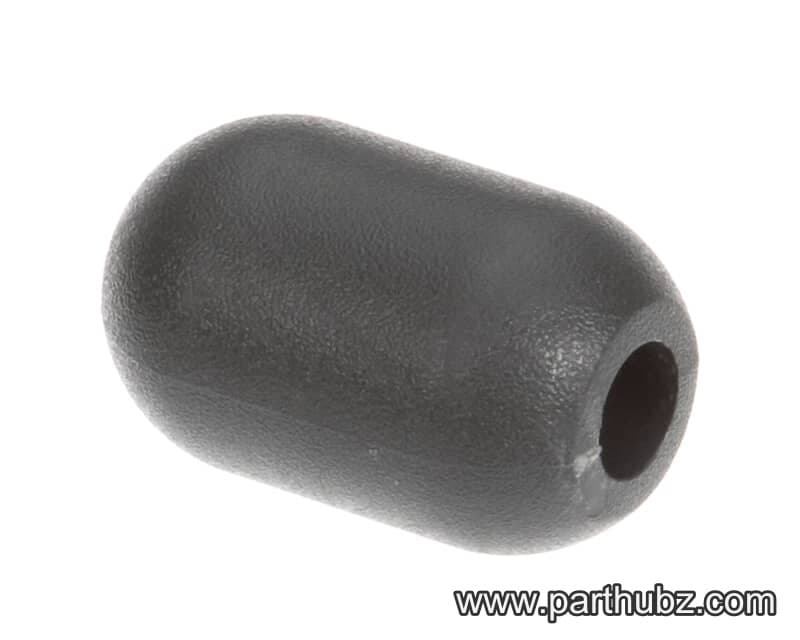
Hobart 00-875356 Handle, Lift Lever, Microban
 In Stock 360°
Hobart NS-018-06 NUT
 In Stock 360°
Hobart 00-478421 Follower, Interlock Plate
 In Stock 360°
Hobart NS-018-01 Nut, Hex, 1/4-20, Stainless Steel
 In Stock 360°
Hobart 00-875658 Bearing, Transport Carrier, 2000 Series Slicers
 In Stock 360°
Hobart SC-112-90 Screw, Phillips Pan Head, 4-40 x 1"
 In Stock 360°
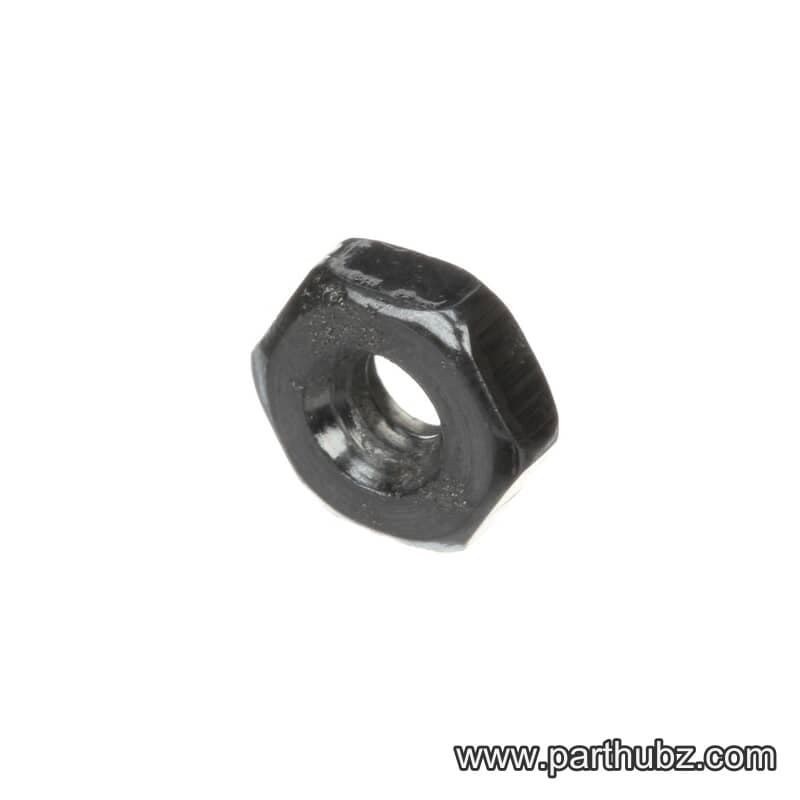
Hobart NS-009-02 Hex Nut, 4-40
 In Stock 360°
Hobart SC-129-13 Machine Screw, 6-32 x 1/4", Flat Phillips Head
 Available to Order
Hobart 00-478452 CHUTE,LOAD CELL ACCESS
 In Stock 360°
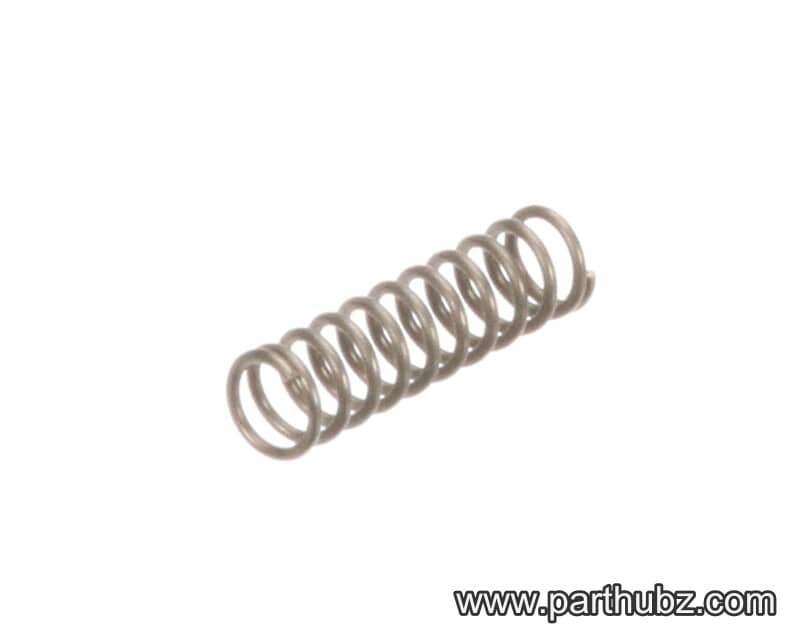
Hobart 00-478429 Spring, Pawl, Auto Engage, 2000 Series
 In Stock 360°
